

How to Pre-set Birthday Greetings Template.
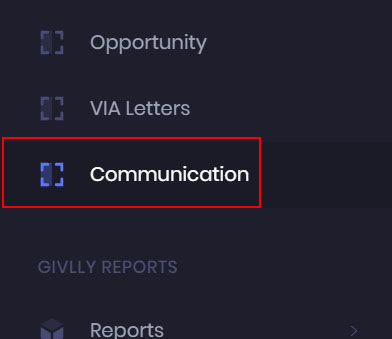
- Click on the Communication Module on the left sidebar of Givlly Dashboard.
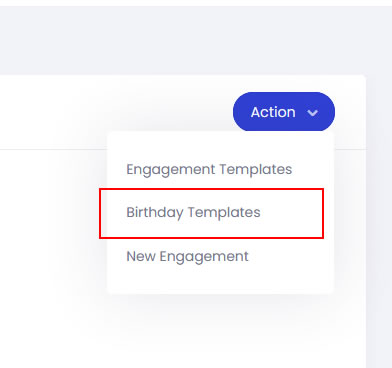
- On the Communication dashboard, click on the Action button and select Birthday Templates.
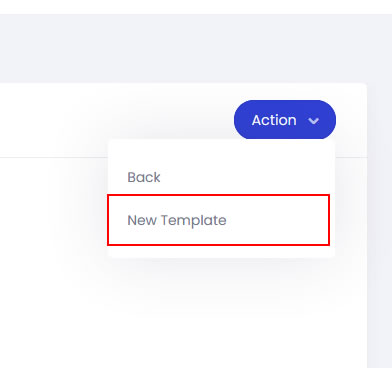
- In the Birthday Template pages, click on the Action button and select New Template.
P.S: You can only set a maximum of 1 Birthday Template

- Craft the content of the email in the message field and click the Submit button.