Printing Appreciation Letters for your Volunteers
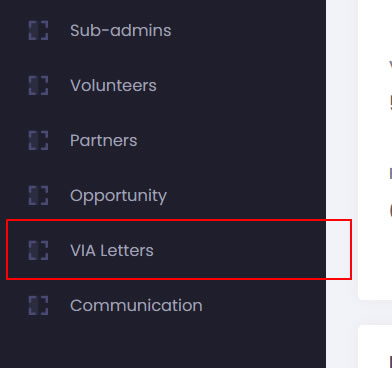
- To generate Letter of Appreciation for your volunteers. Go to the admin dashboard, and click on the VIA Module.
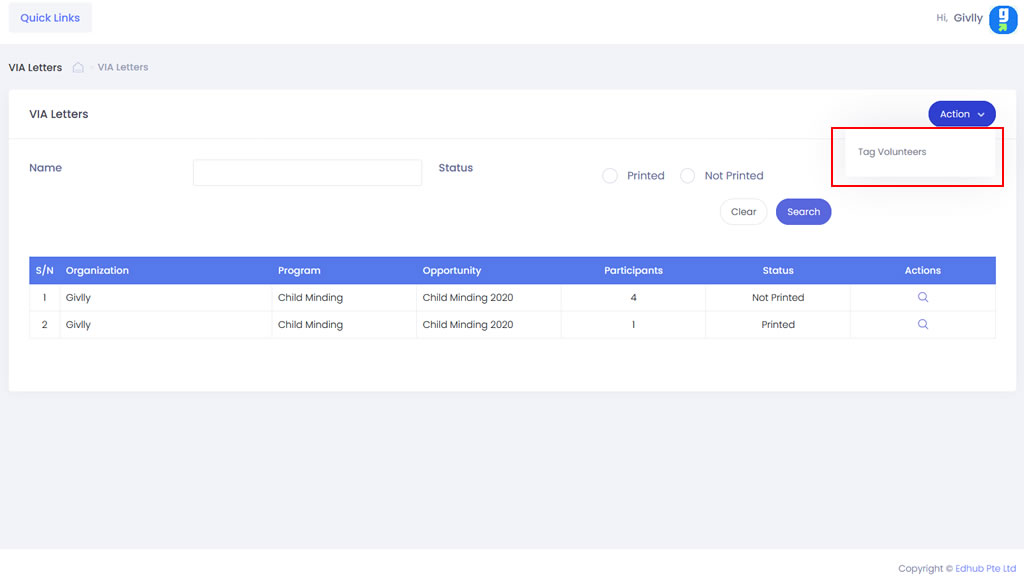
- The VIA Module dashboard, click on the Action button and select Tag Volunteers.
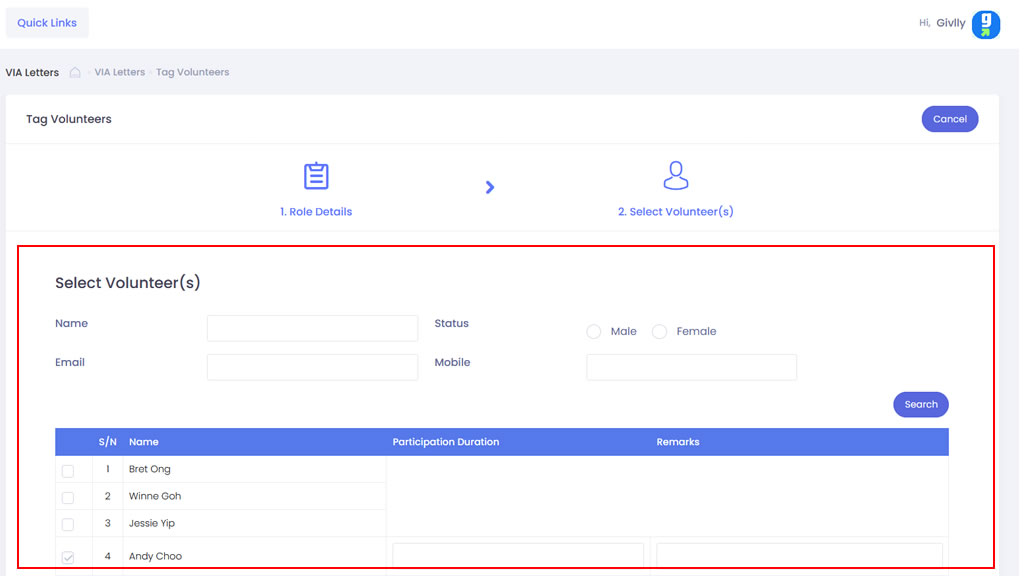
- First, select the required Role Details and click Next.
- Under Step 2, select the required volunteer(s) and input the required details. Then and click on the Submit button.
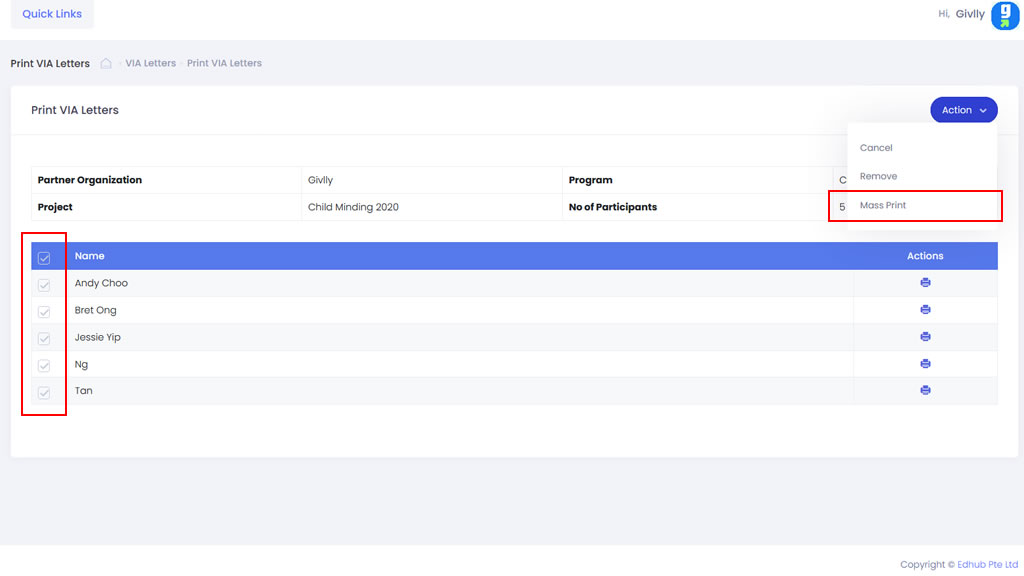
- Locate the required opportunity on the VIA Insights dashboard, click on the Action button and select View icon.
- First, select the required volunteer Partners. Next, under Action, select the Mass Print.