Introduction to Volunteer Module
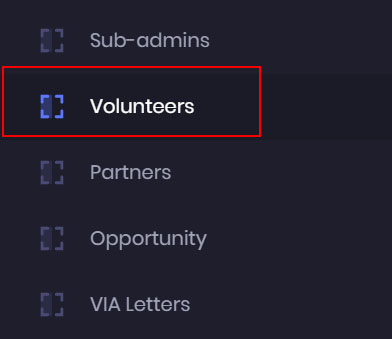
- To manage your volunteers’ data, go to the admin dashboard, and click on the Volunteers Module.
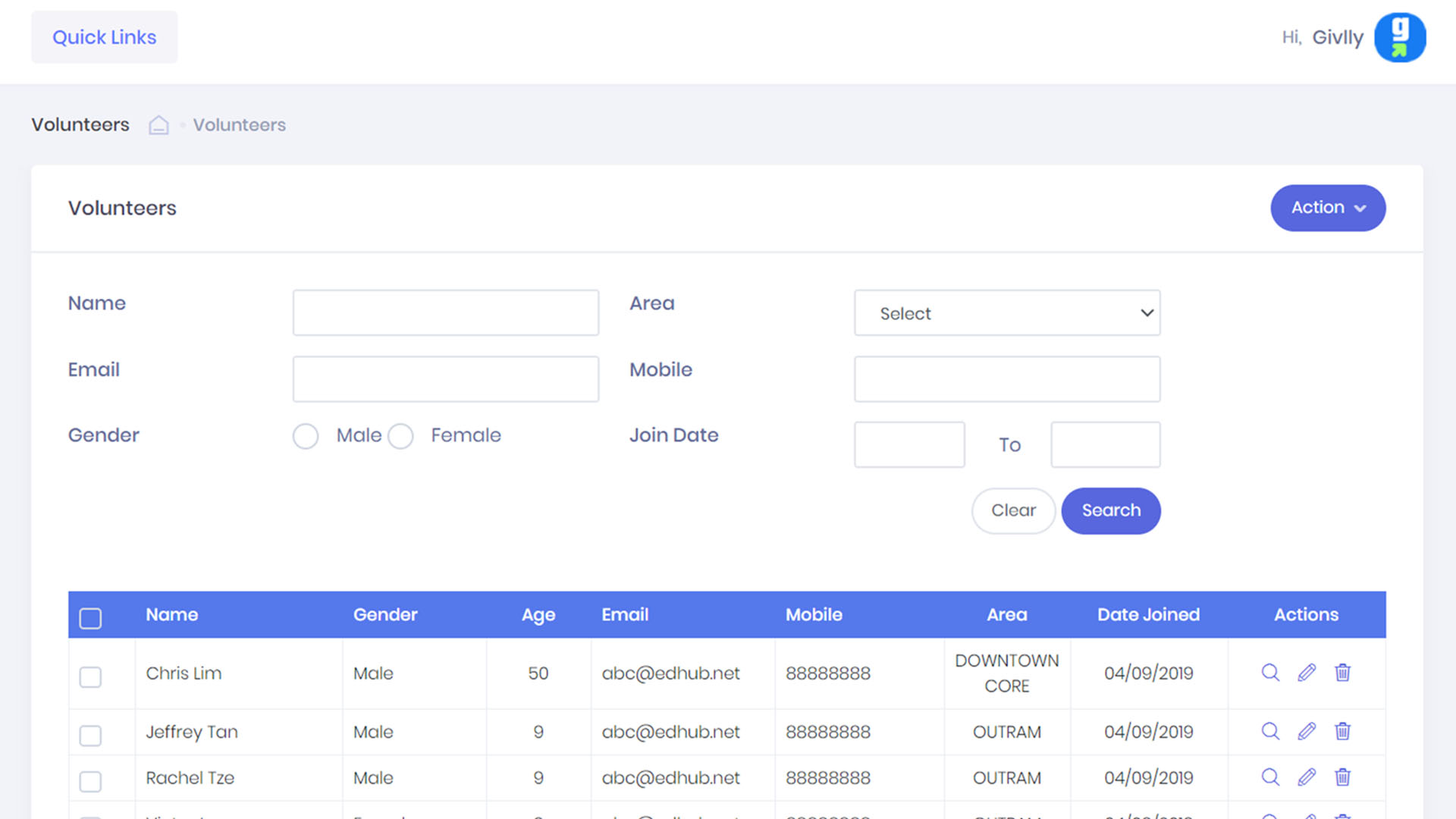
- The Volunteer Dashboard will give you an overview of the volunteers’ information.
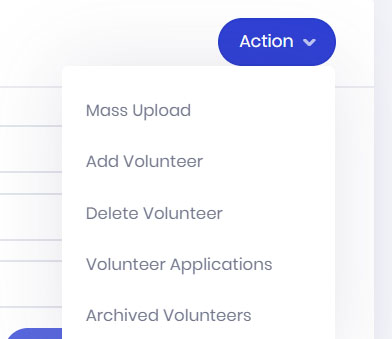
- The Action button is where you manage all the volunteer data. You can easily add new volunteers, review volunteer applications, and also do a mass upload of your existing volunteers database to Givlly VMS.
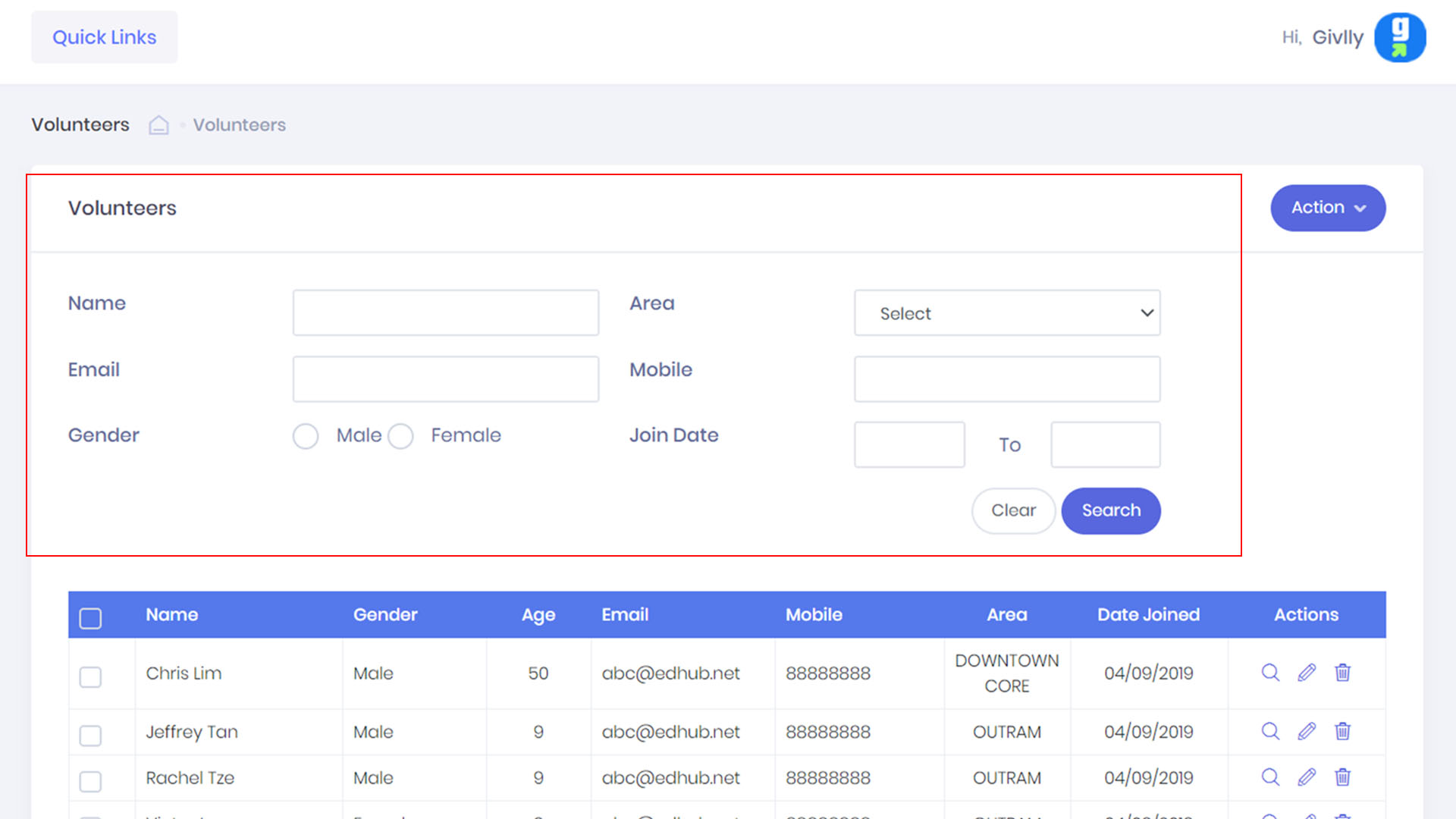
- You can search for your volunteer easily by name, contact and location.
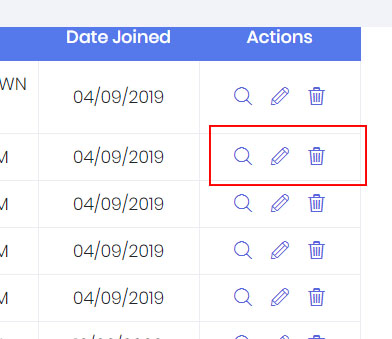
- If you need to edit, remove or view the detail of a volunteer’s profile. Go to the Setting Tools.
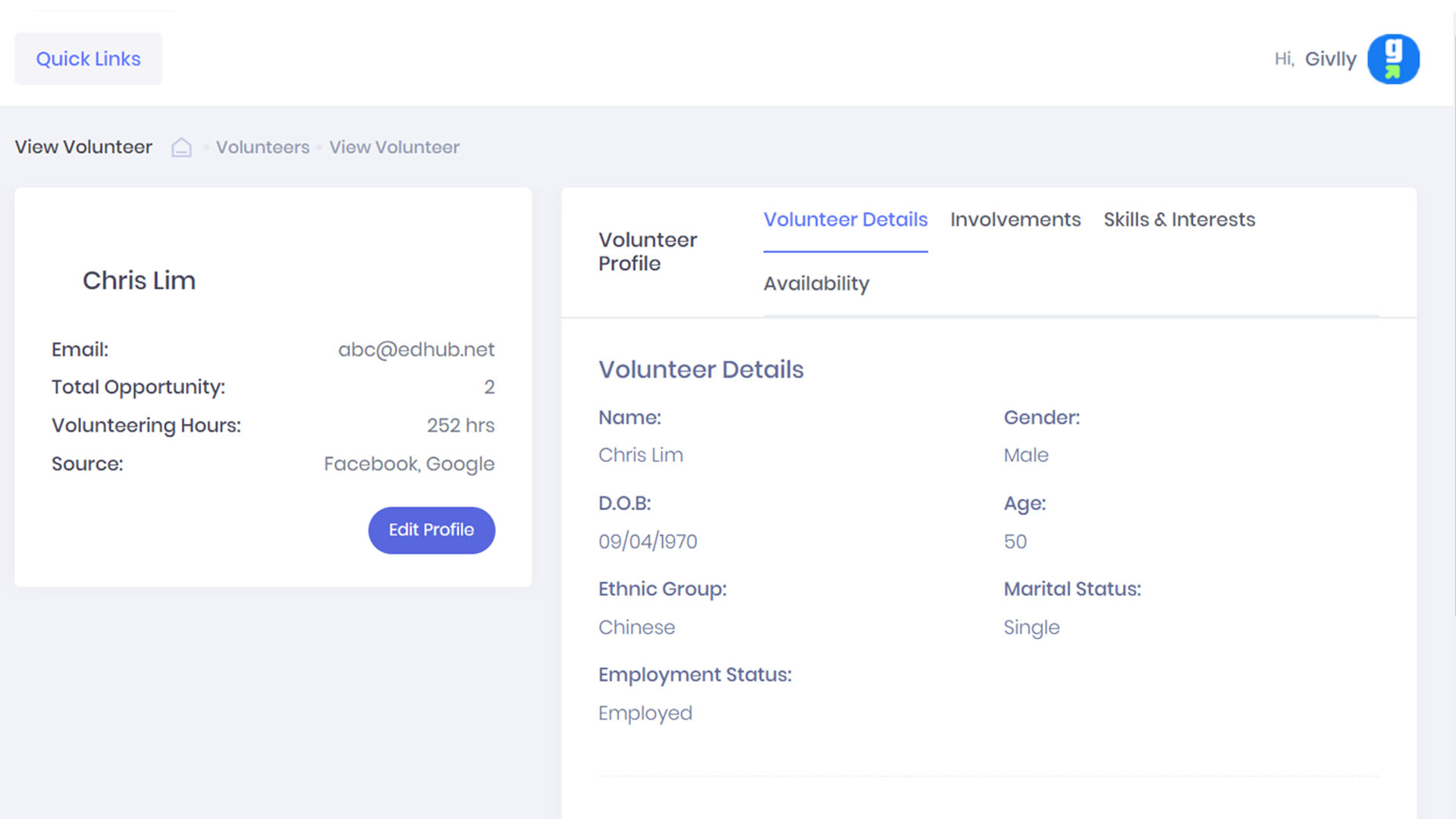
- In the volunteer personal profile, you can check your volunteer skills and interests, availability and what are the projects the volunteer has involved in.
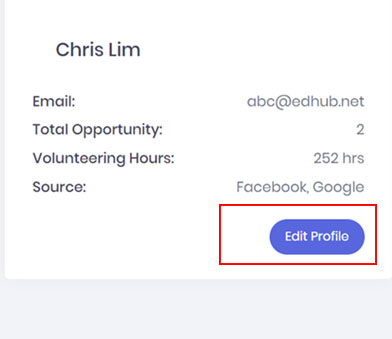
- You can make changes to the volunteer personal information by clicking on the Edit Profile button