Introduction to Partners Module
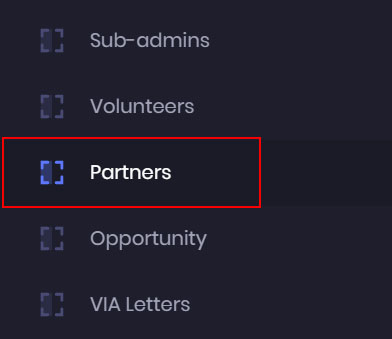
- To manage your corporate partners’ information, go to the admin dashboard, and click on the Partners.
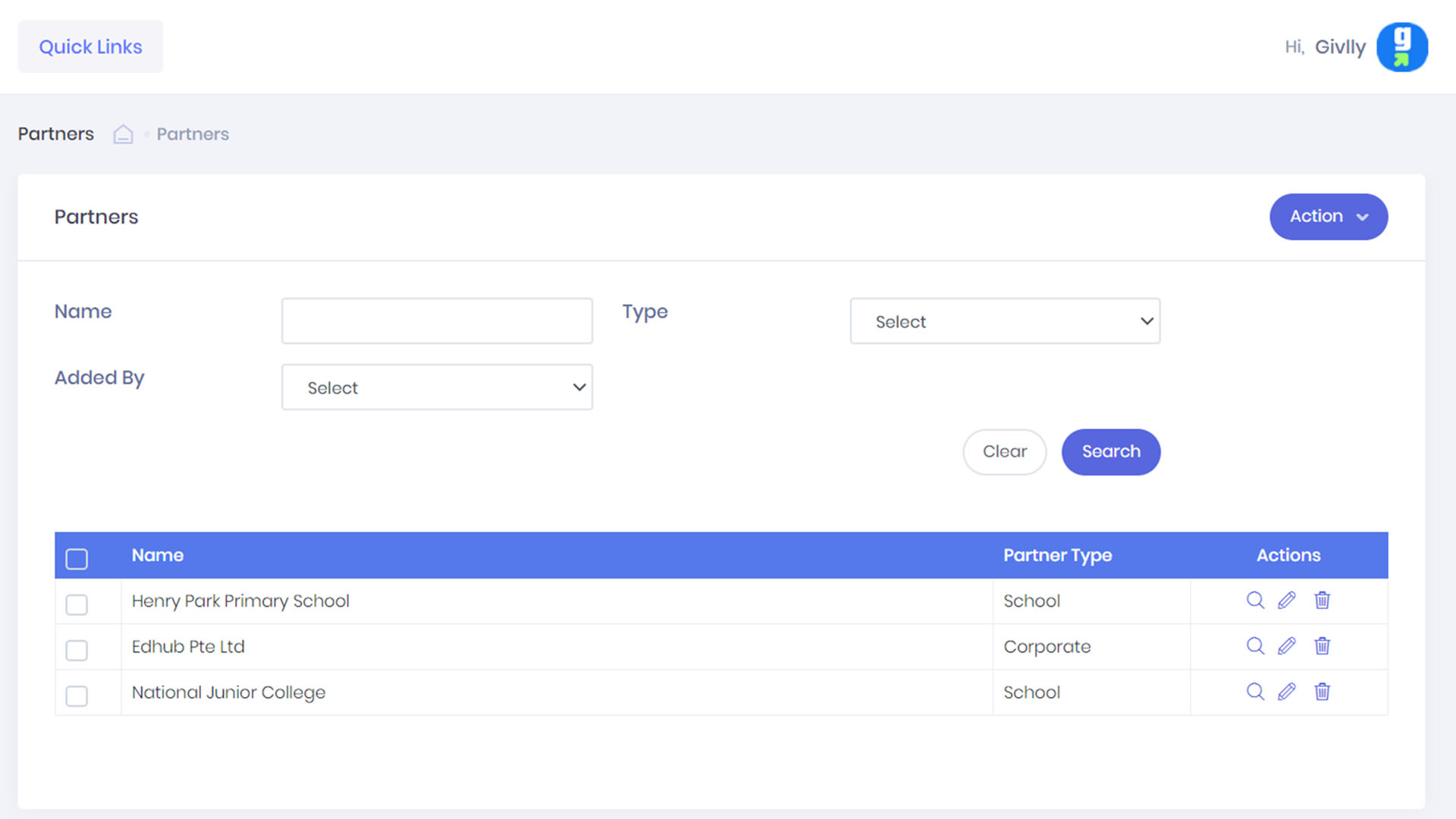
- The Partners Dashboard will give you an overview of the partners information.
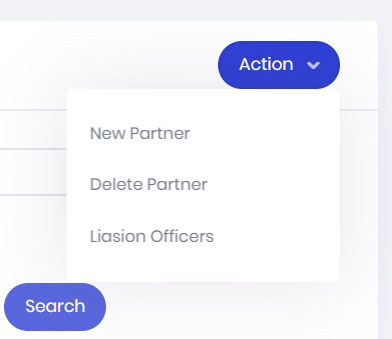
- The Action button is where you manage all your corporate partners’ profile. You can easily add a new partner and its liaison officer information to your database.
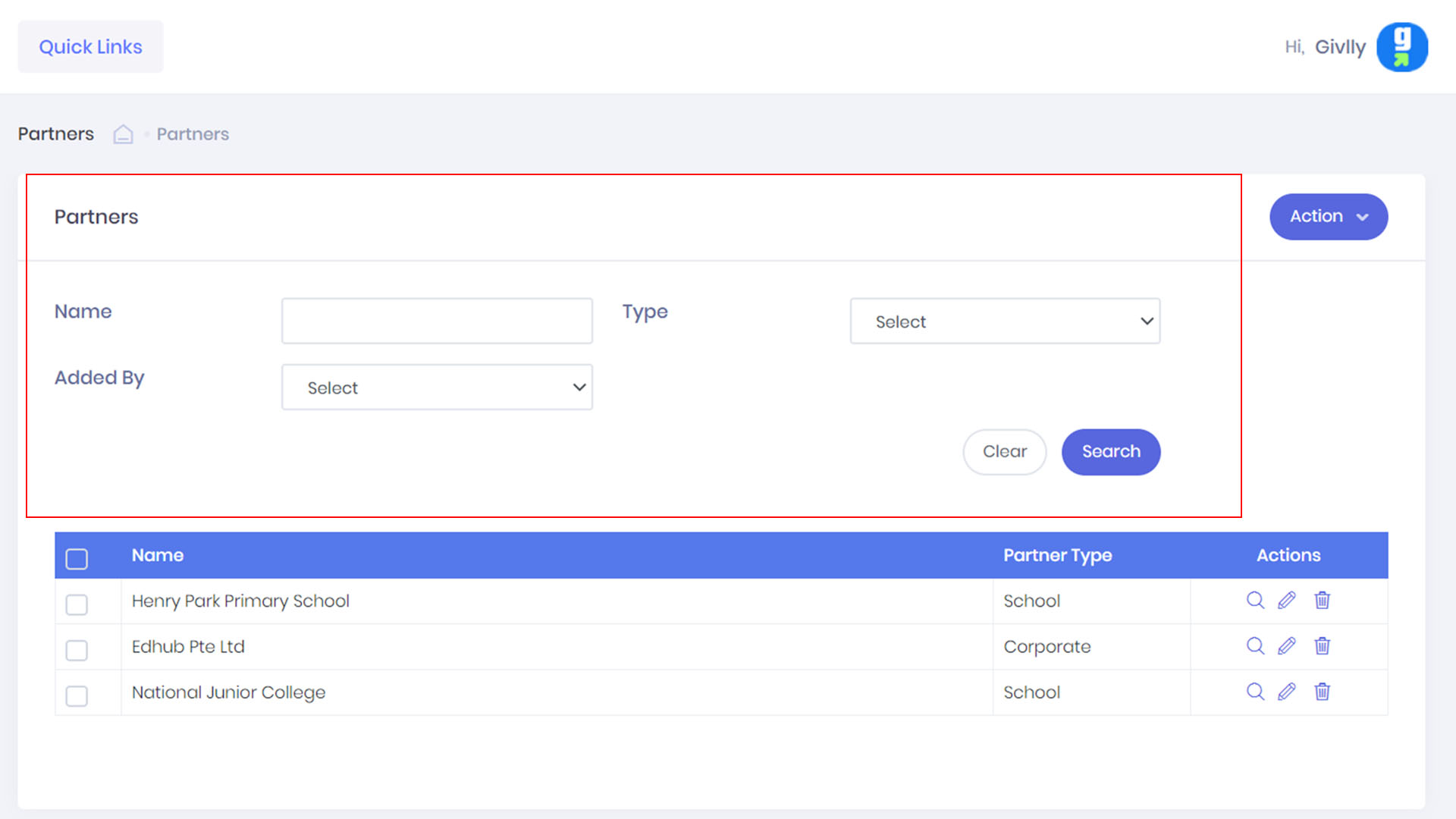
- Use the search function to find any corporate partner in your database.
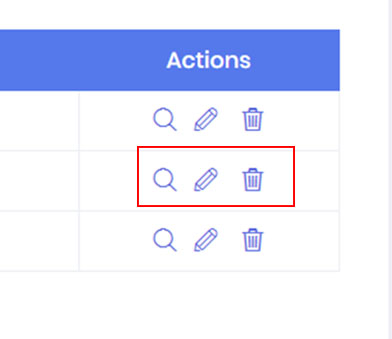
- If you need to edit, remove or view the detail of a corporate partner’s profile. Go to the Setting Tools.
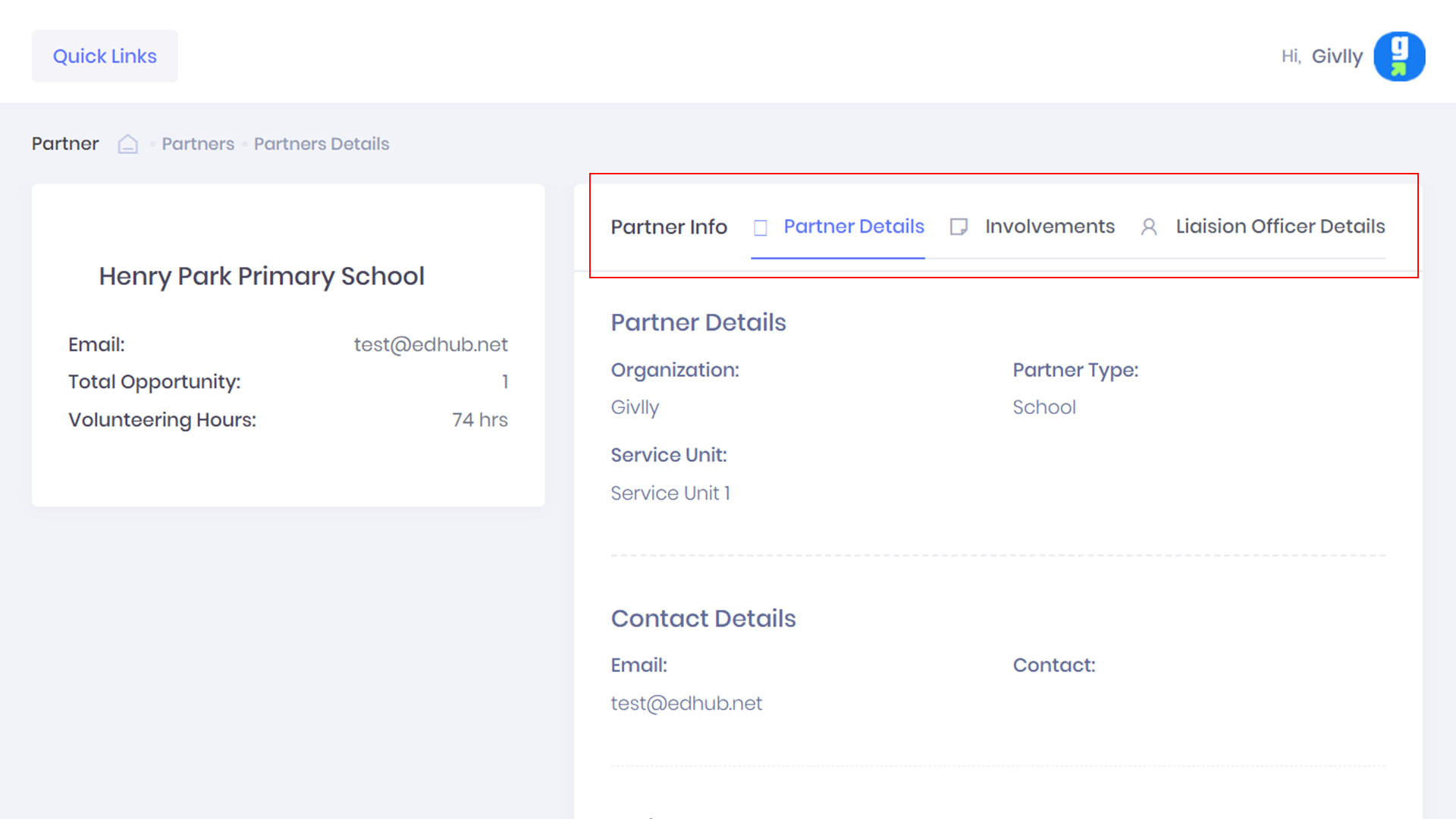
- In the partner profile page, you can check the projects the partner was involved in and liaison officer information.