Introduction to Opportunity Module
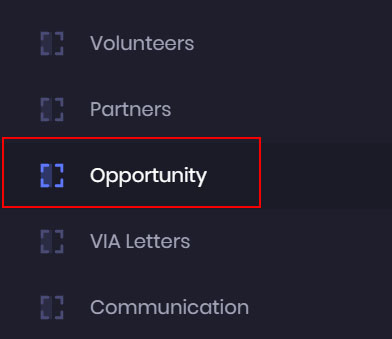
- Click on the Opportunity Module to access or create new projects for your volunteers.
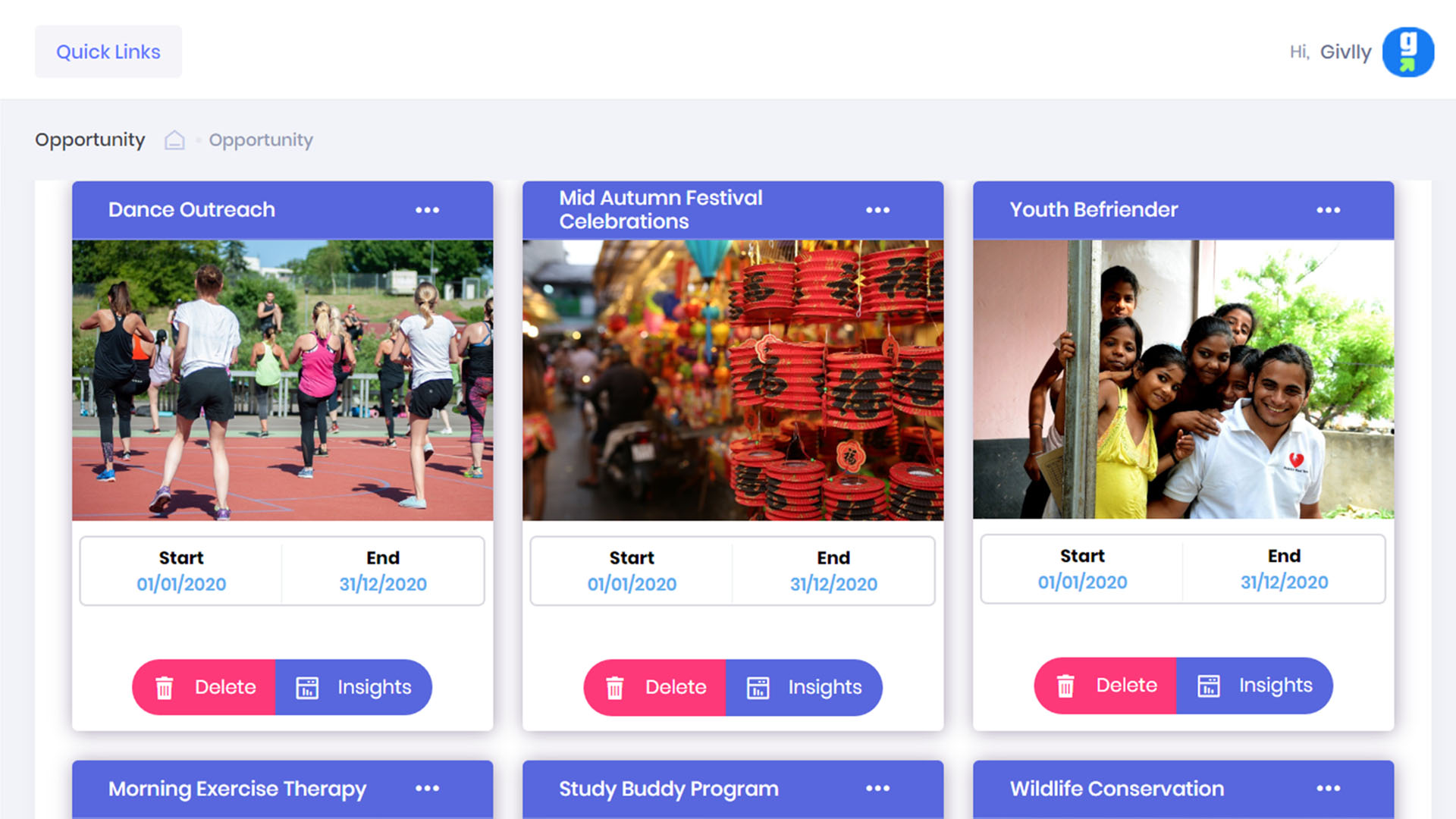
- You will see all your active projects in the Opportunity Dashboard.
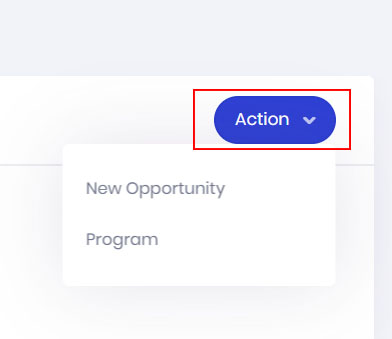
- The Action button is where you create new volunteering projects and programs.
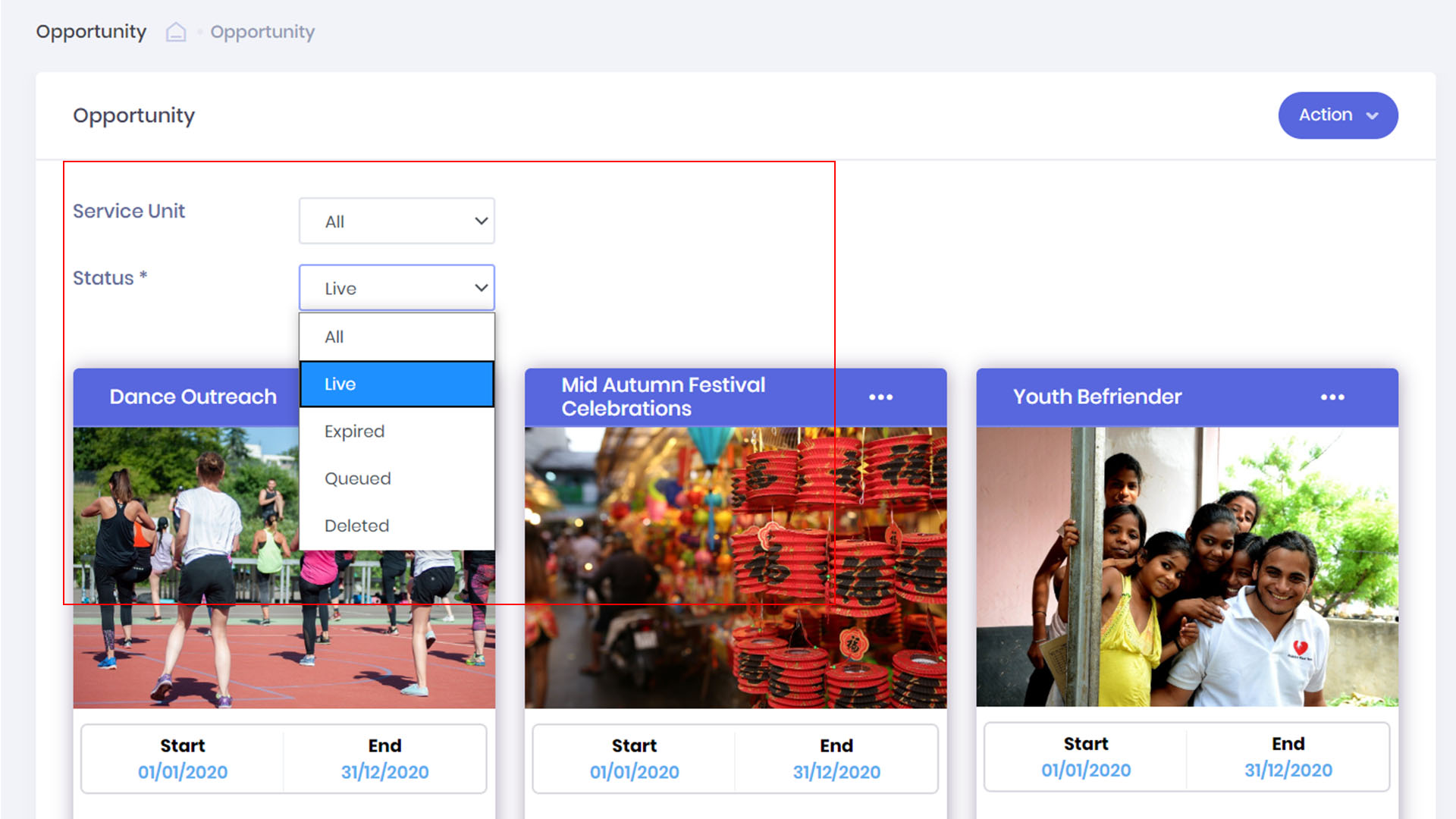
- You can sort your volunteering project easily by status or the service unit they fall under.
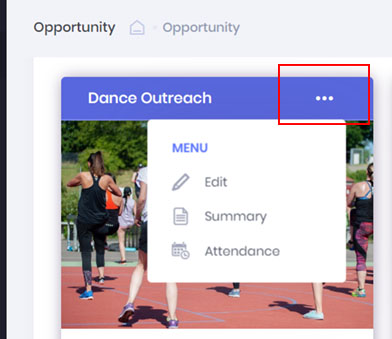
- If you need to edit a current volunteering project. Clicking on the 3 Dots Setting button to access the setting tools.
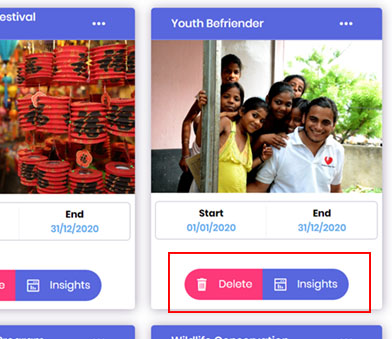
- You can delete a project by clicking on the Delete button or click on Insights button to see the progress and performance of the project.
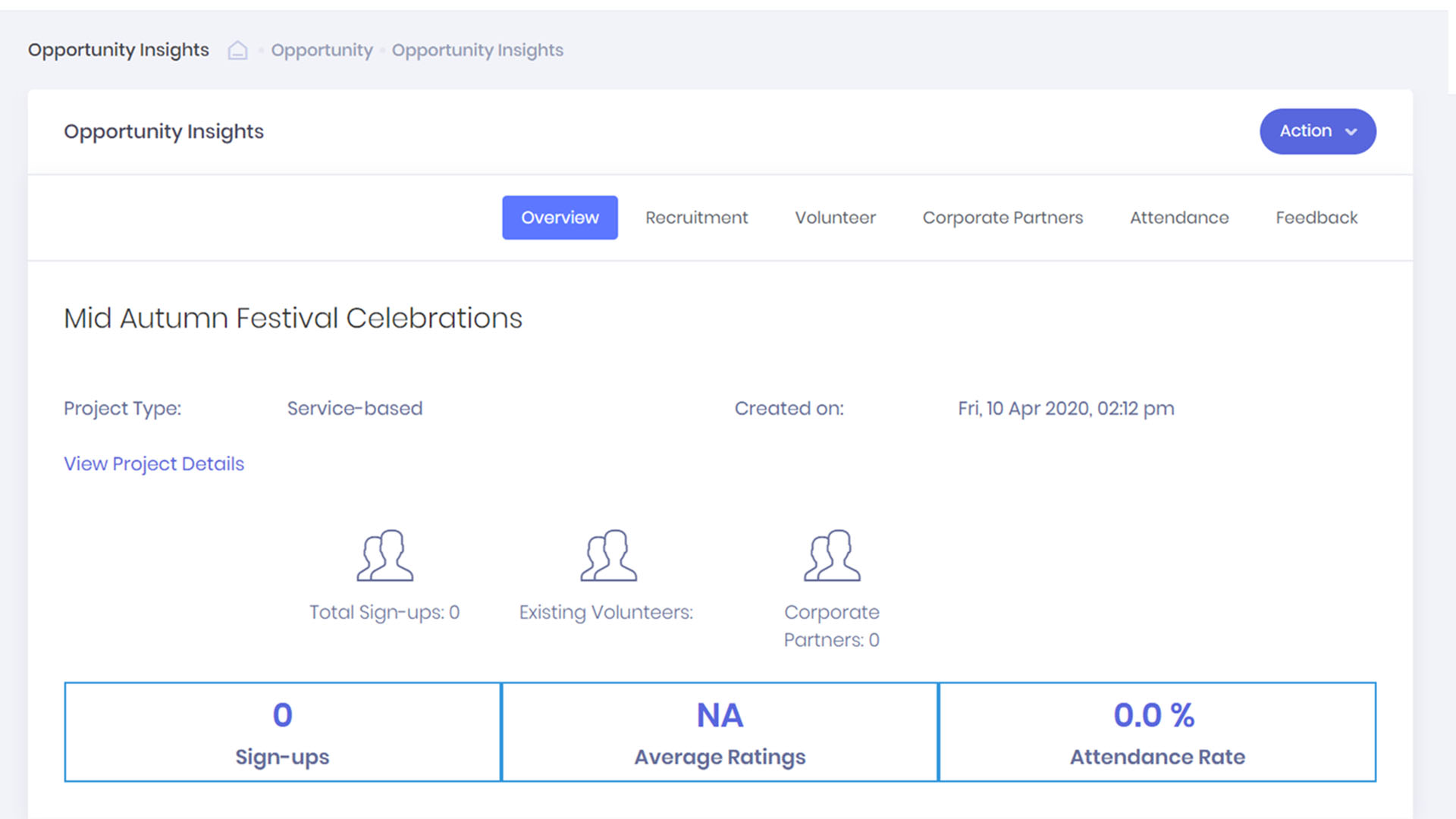
- Each volunteering project will have its own dashboard which gives you a bird’s eye view of the project progress.