

Setting Up Programs
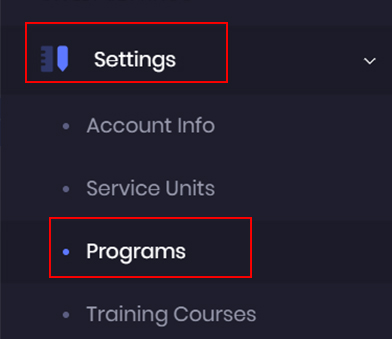
Adding Programs through Settings.
To add programs under your service unit, go to the admin dashboard, and click on the Settings and select Programs .
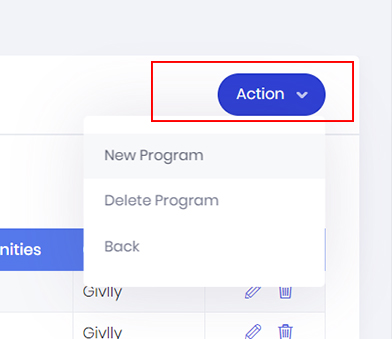
In your Programs Dashboard, click on the Action Button and select New Program.

Next, select the Service Unit that the Program belongs to.
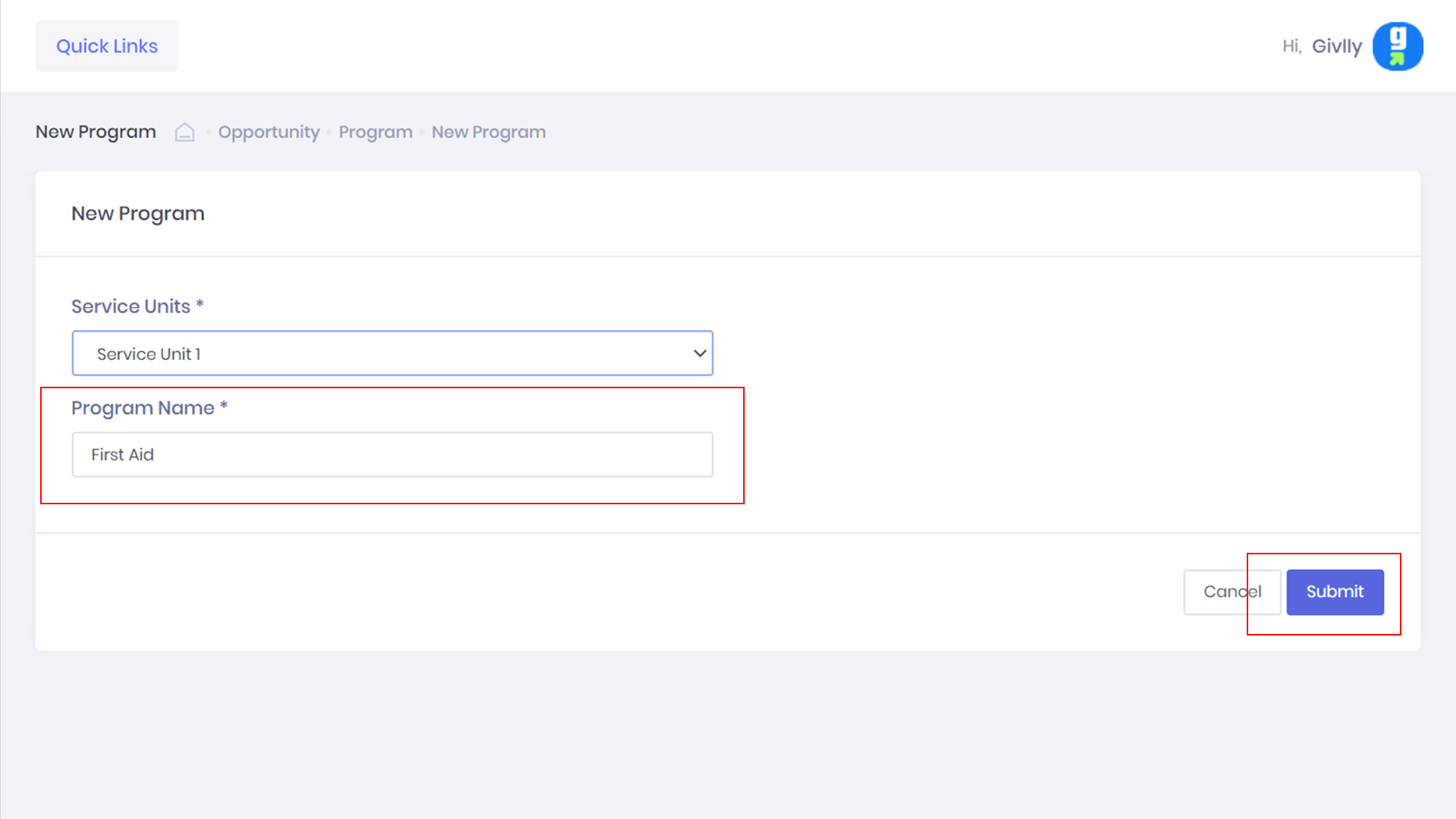
After you have selected the Service Unit, enter the name of the Program. Once you are done, click the Submit button.
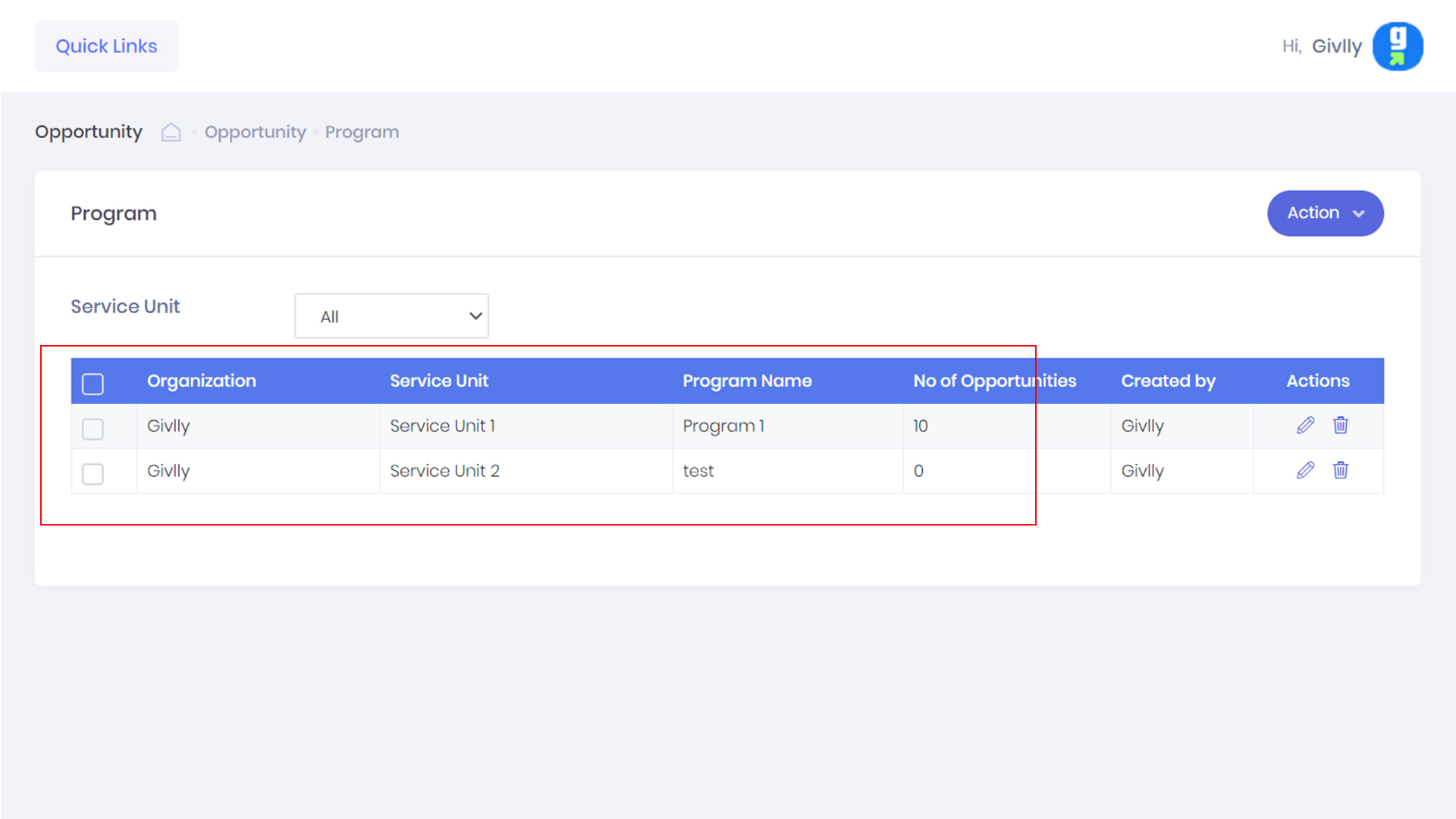
All the programs will be listed in the Programs Dashboard. To add more programs, just repeat the same steps as above.
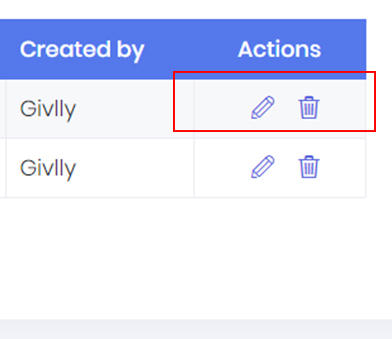
If you need to edit or delete a Program. Go to the Setting Tools.
Option 2: Adding Programs through the Opportunity module.
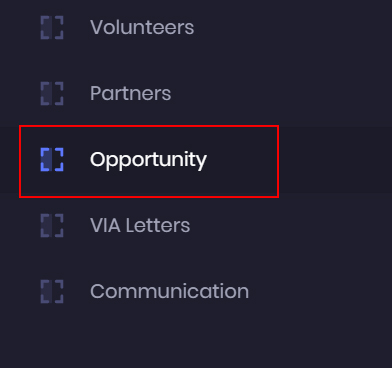
To add programs your agency is offering, go to the admin dashboard, and click on the Opportunity.

In the Opportunity dashboard, click on the Action button and choose Program.
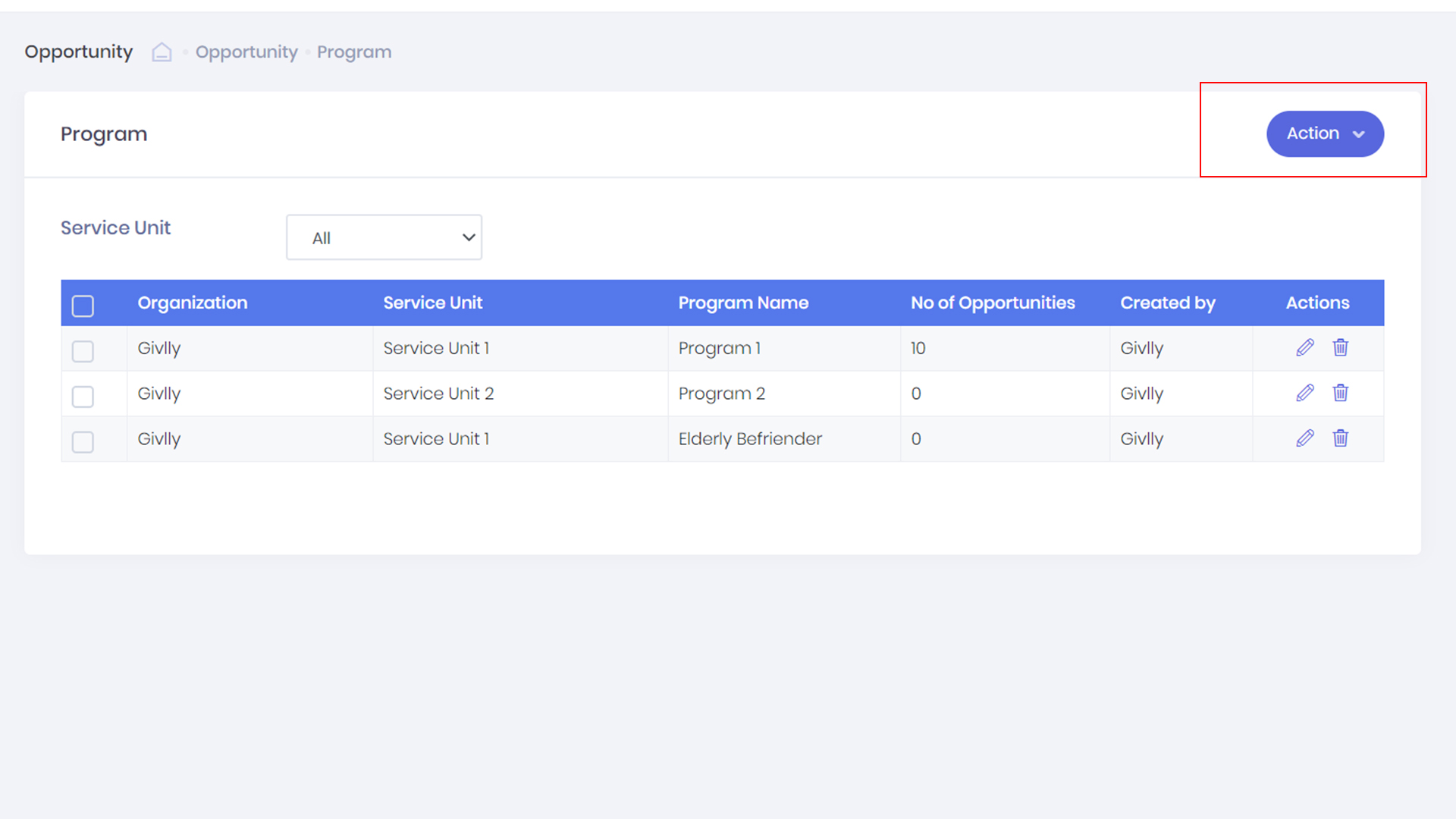
In the Program dashboard, you will be able to see the list of Programs offered by your organisation.
To add a new program, please click onto Action button and select New Program.
Next, select the Service Unit that the Program belongs to.
After you have selected the Service Unit, enter the name of the Program. Once you are done, click the Submit button to complete the step.