

Create a Volunteering Opportunity
Step 1 of 5 - Create Volunteering Opportunity Information
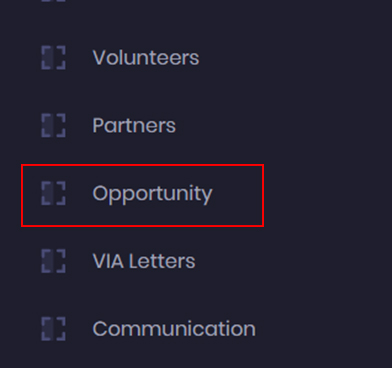
- To add a new volunteering opportunity, go to the admin dashboard, and click on the Opportunity Module.
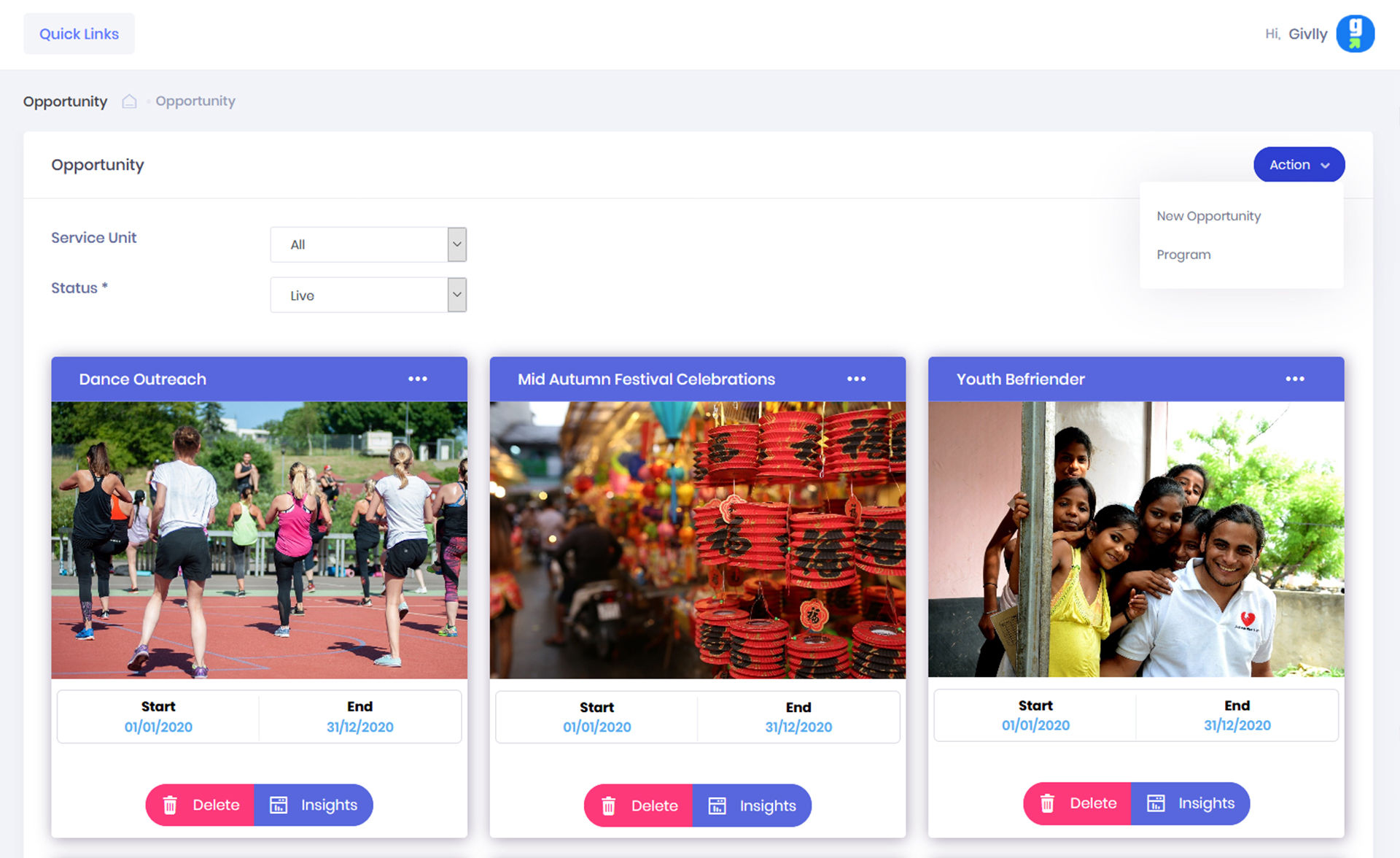
- The Opportunity Dashboard will give you an overview of the volunteering events information.
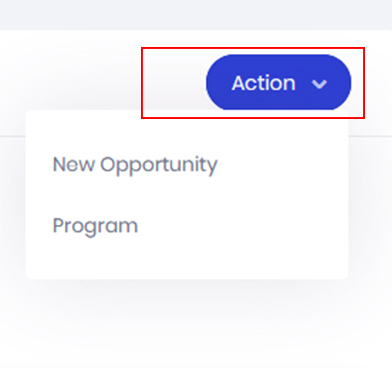
- In your Opportunity Dashboard, click on the Action Button and select New Opportunity.
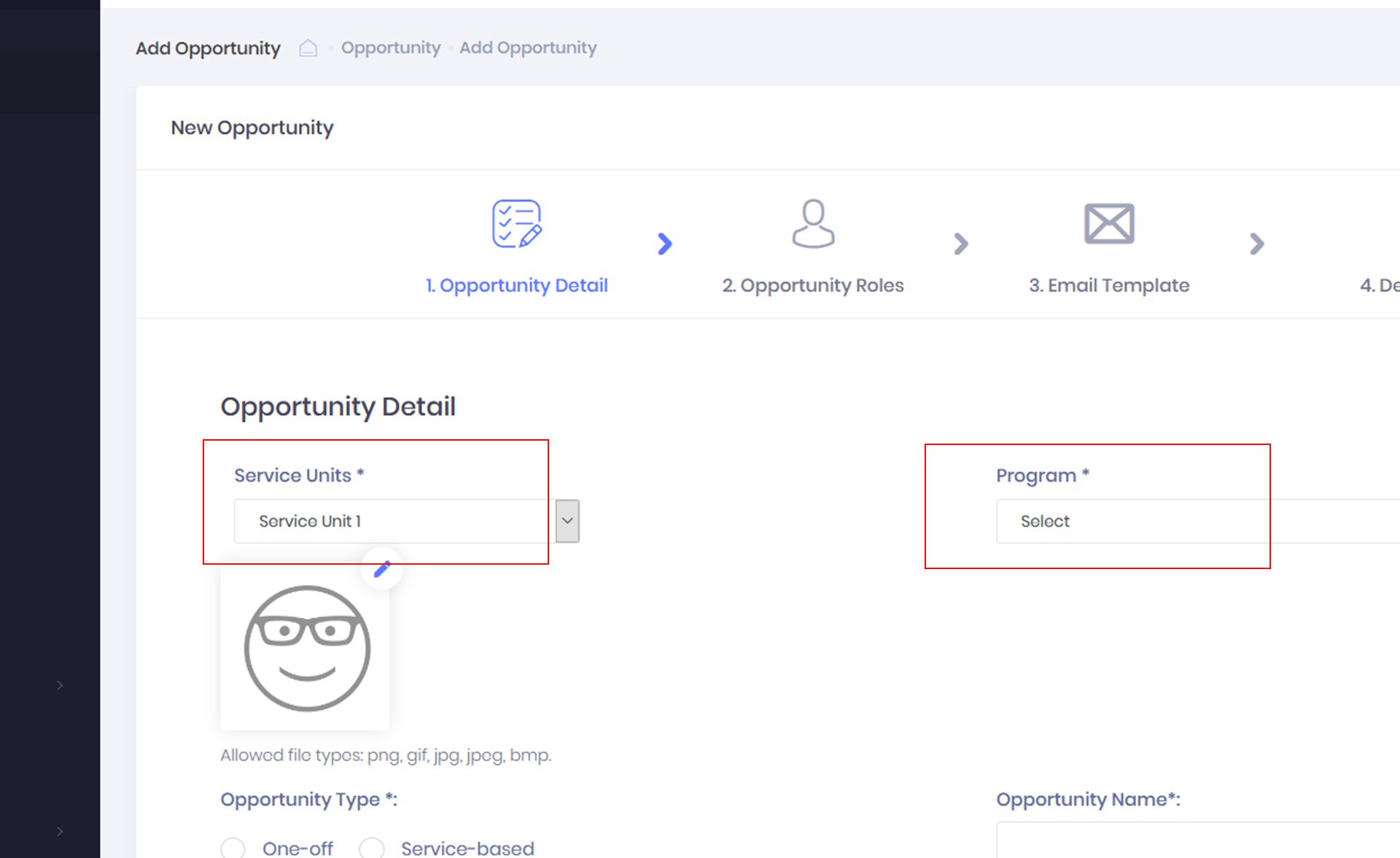
- Next, select the Service unit and Program that the opportunity belongs to. The Program will appears after you have selected the service unit.
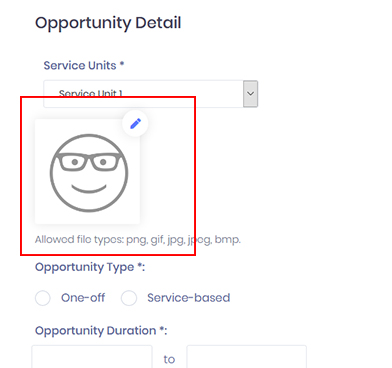
- Next, click on the Edit button (pencil icon) to add your event image.
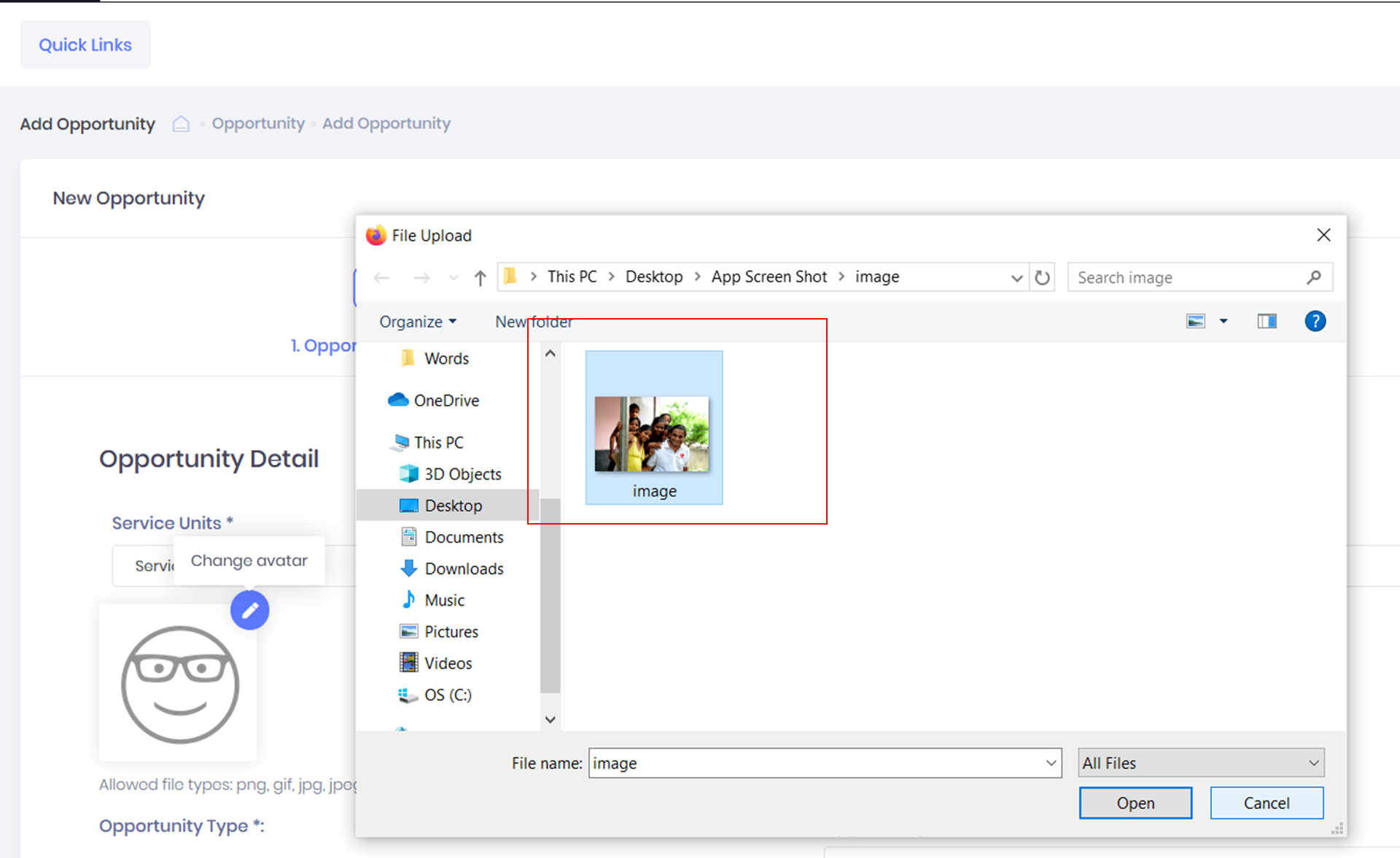
- Select the image from your local drive.
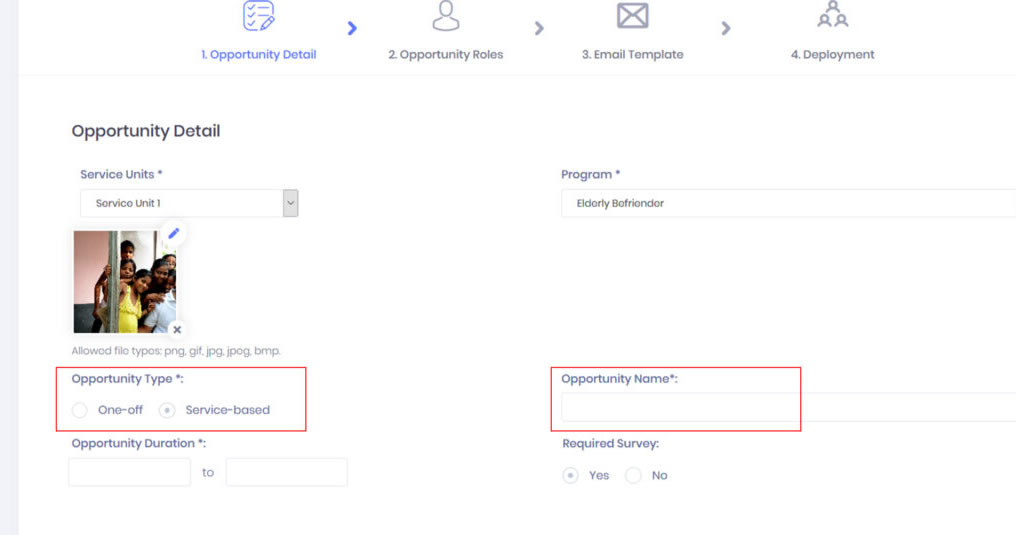
- Then select the opportunity type. You can choose either One-off or Service-based. Next input the name of the volunteering opportunity.

- Next, to set the duration of your volunteering event. Click on the start and end date to select the date from the popup calendar.
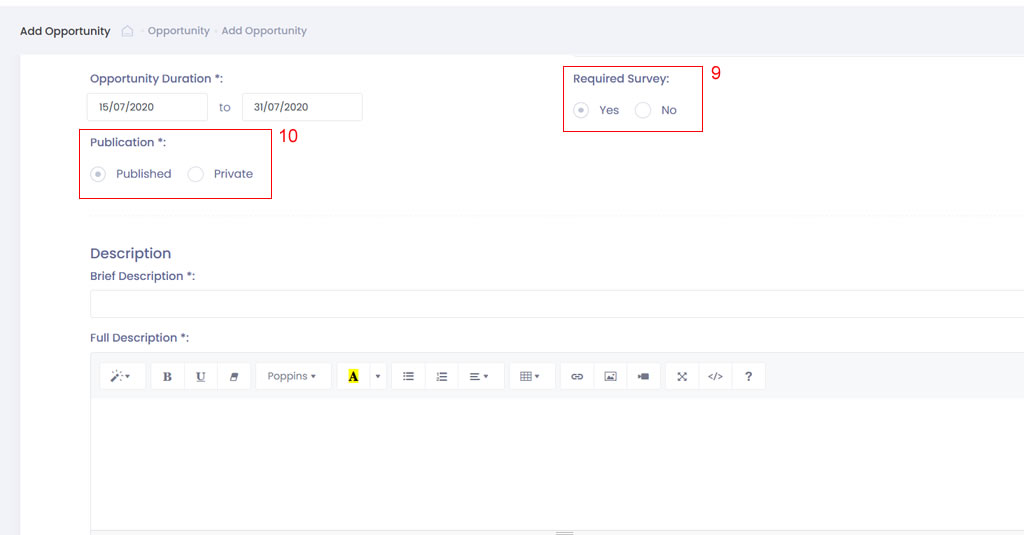
- Then select “Yes” under Required Survey if you need to collect volunteer’s satisfaction feedback.
- Select “Published” if you wish to make the volunteering opportunity public on both your website and volunteer app.
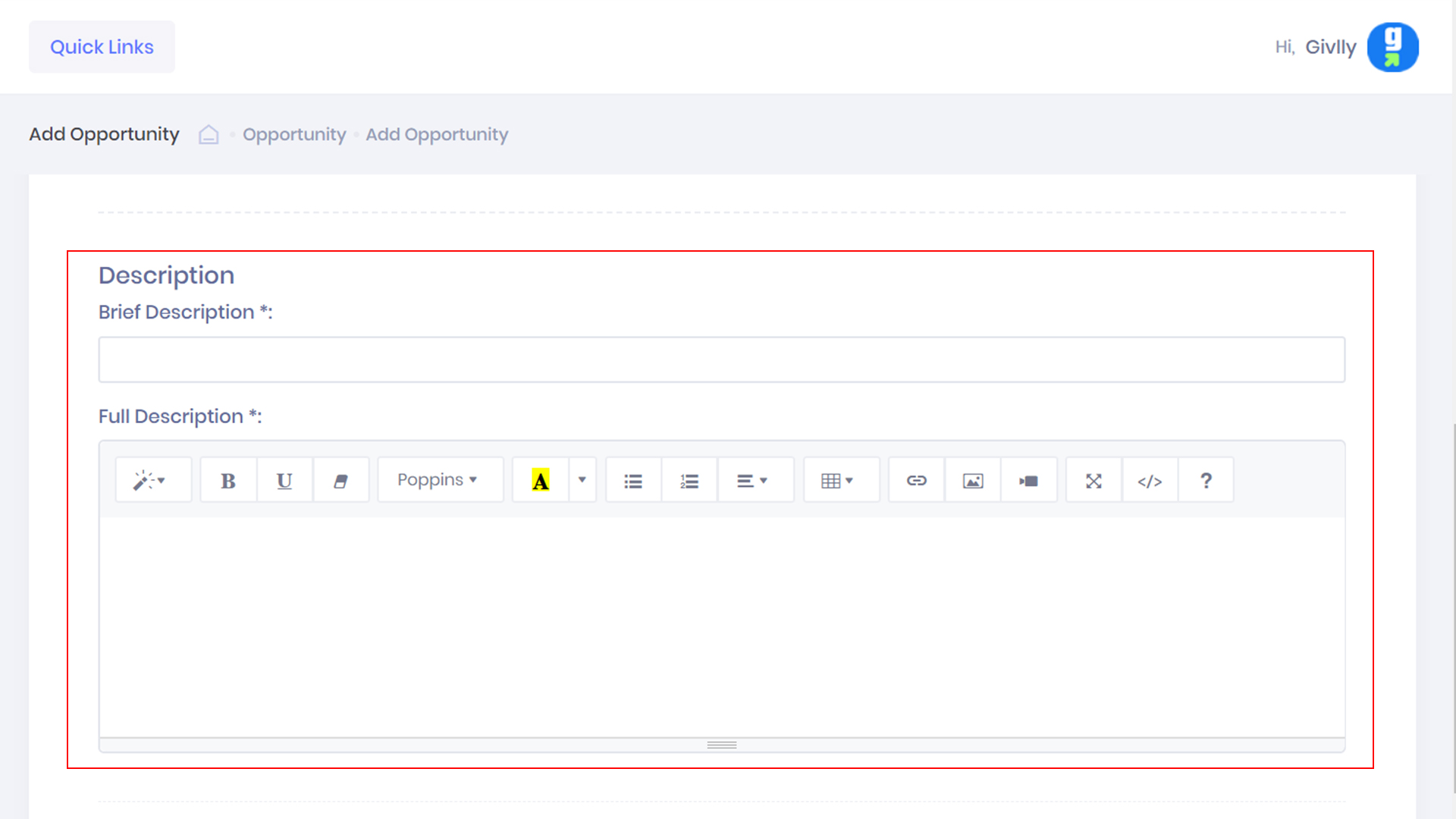
- Then enters both the Brief and Detailed Description of the volunteering opportunity.
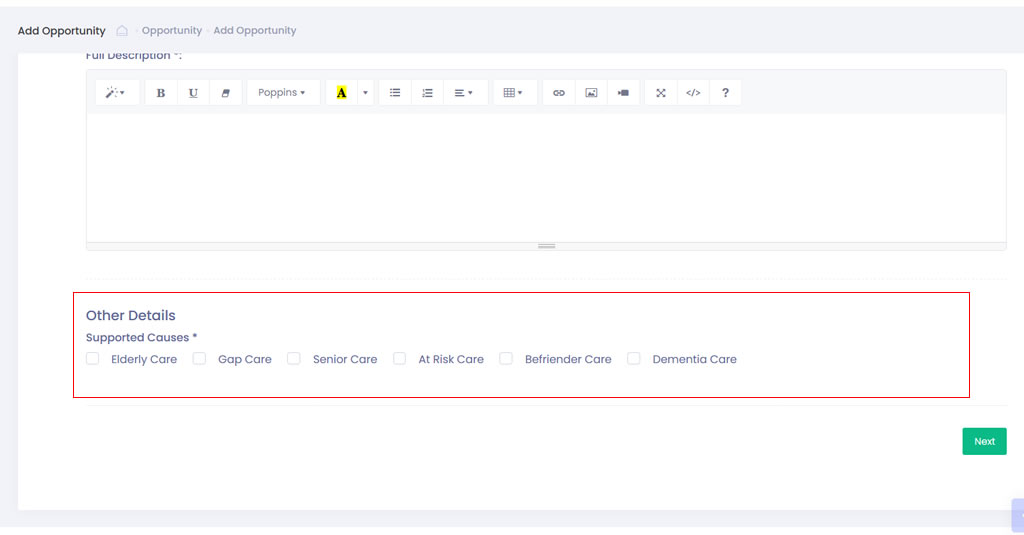
- Select the required supported causes for this opportunity.
- Click the Next Button to continue.