Adding New CSR Partner Profile
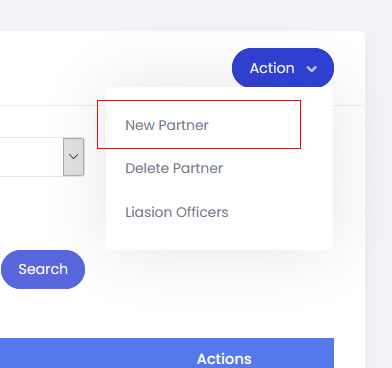
- To add a new CSR Partner profile, go to the partners module and click onto Action button and select New Partner.
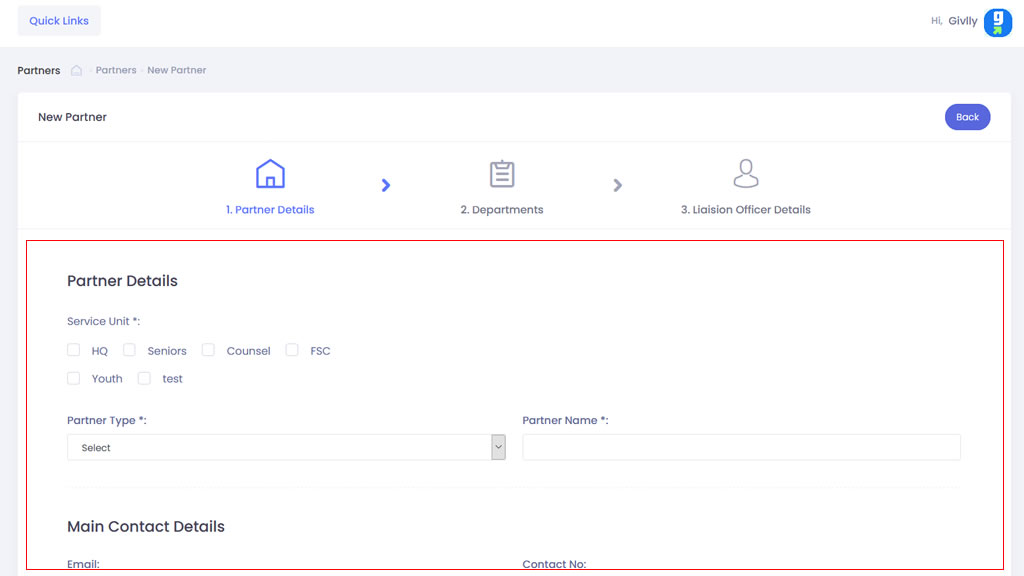
- First set up the CSR Partner’s profile. Enter the information in their respective field and click the Next button when you are done.
- Next is to set up the partner’s department details. Just click on Add Department to add in the details. And once that is done, click on the Next button.
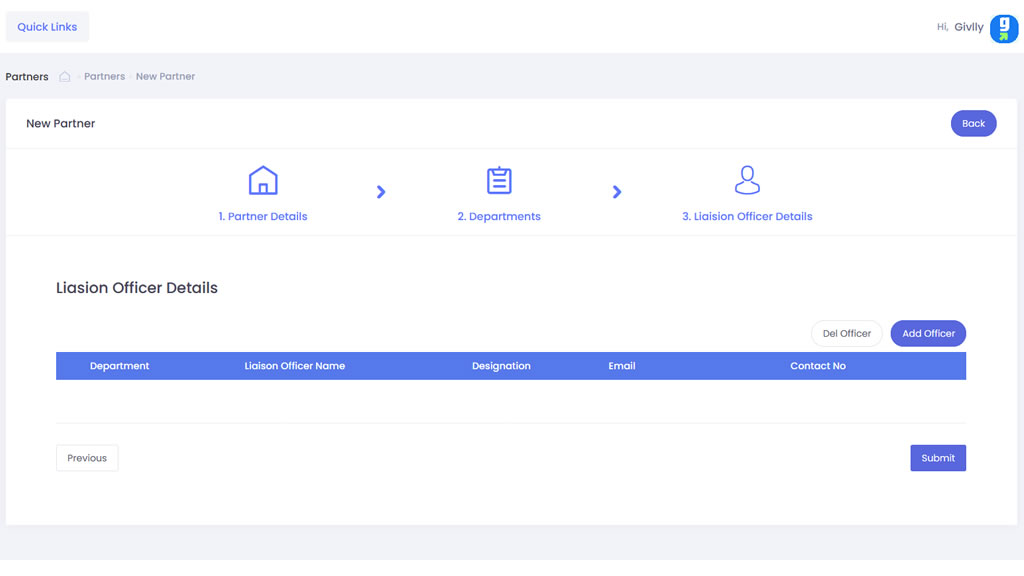
- Add the Liaison Officer’s details to each department. Just click on Add Officer to add in the details. And once that is done, click on the Submit button.