Add Corporate Volunteer (With Letter of Appreciation)
- To add corporate volunteer send in by CSR Partner to the volunteering opportunity.
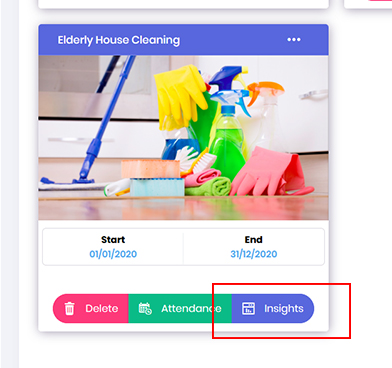
Go to the Opportunity dashboard, locate the required project and click on Insights button.
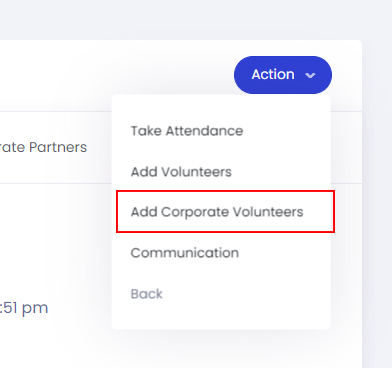
- In the Opportunity Insight dashboard, click on the Action button and select Add Corporate Volunteers.
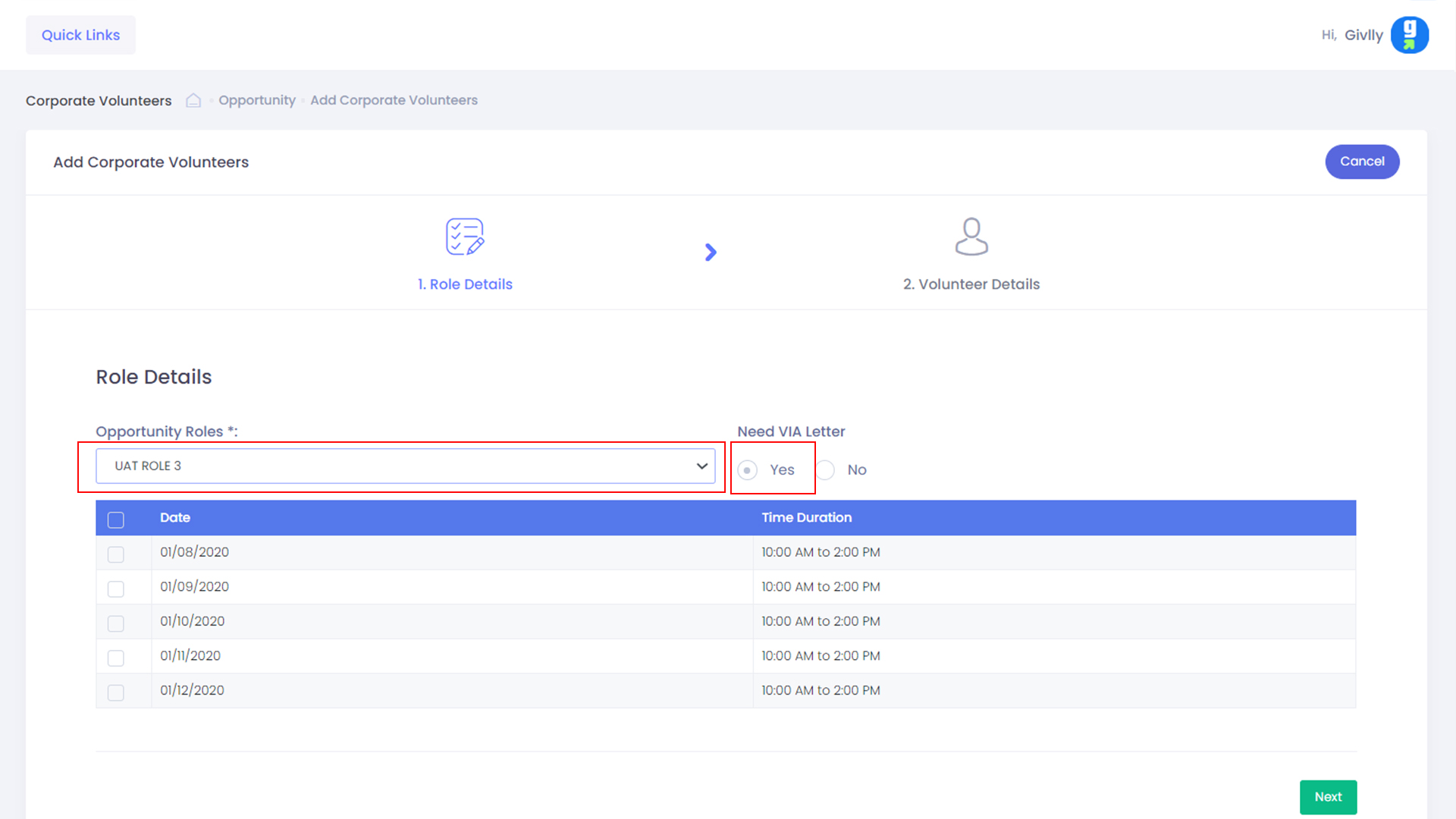
- Select the required Project Role and under VIA Letter, please select Yes
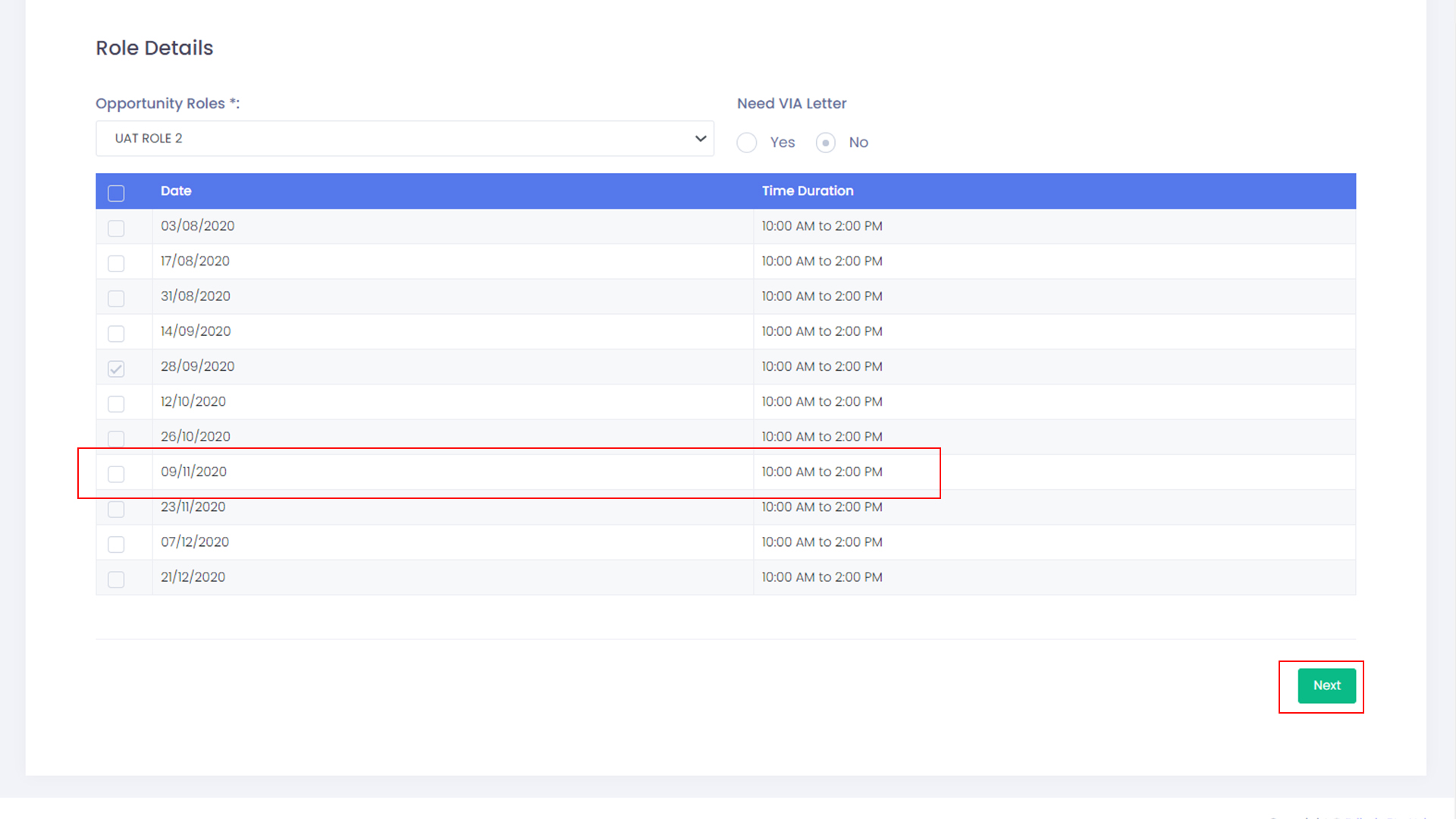
- Then please select the required time-slots and click the Next button
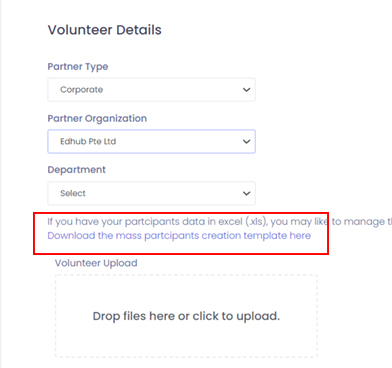
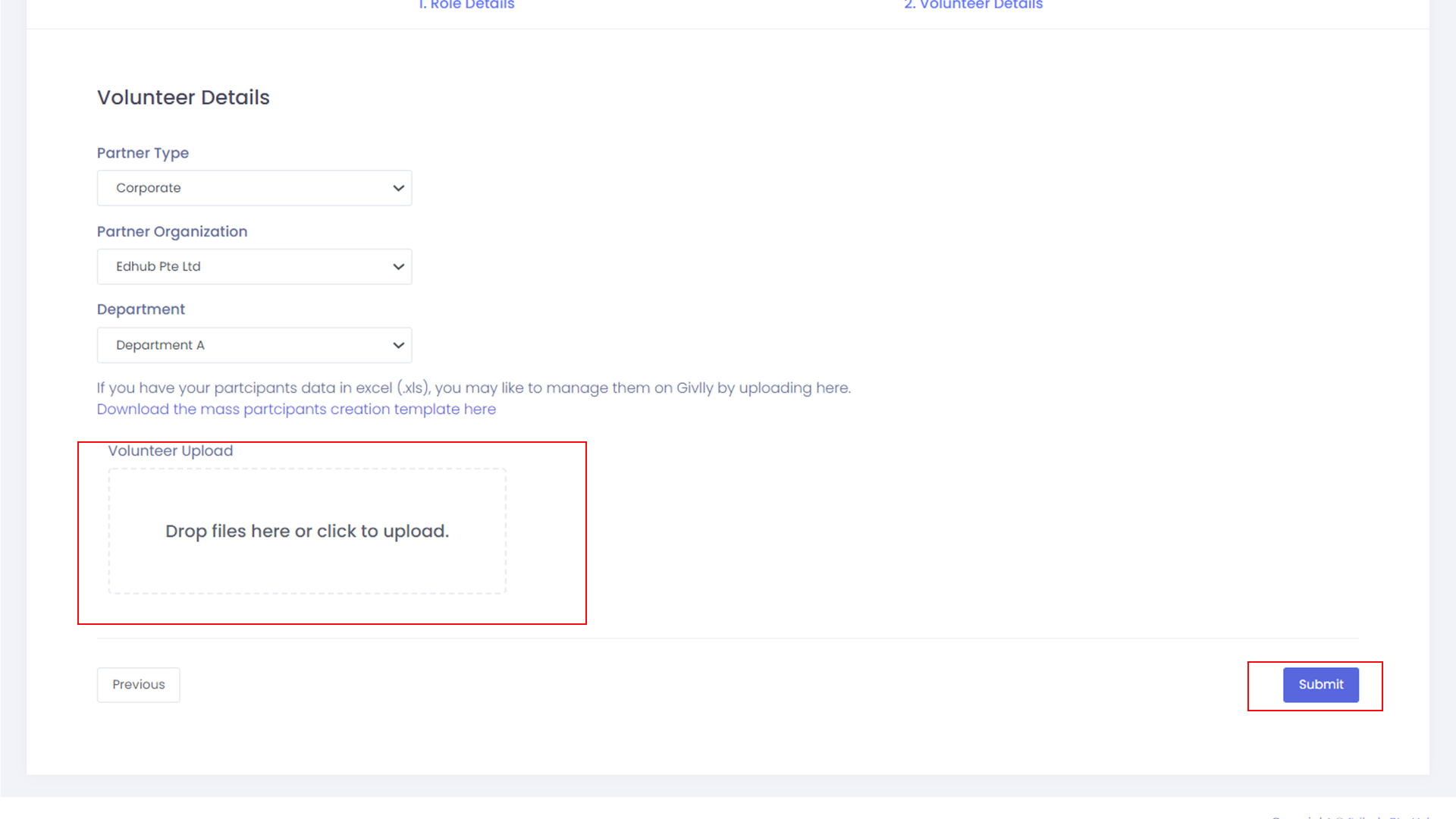
- Select the required partner type, partner organization and department.
Click on the link to download the excel template to input the details of the participants.
- Upload the excel template to the system and click on the Submit button to complete the adding of the corporate volunteers.