

Amending Volunteering Opportunity
Step 1 of 5 - Create Volunteering Opportunity Information
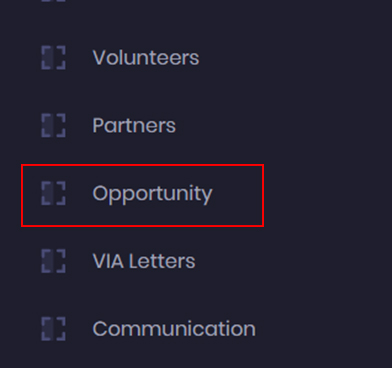
- To amend volunteering opportunity, go to the admin dashboard, and click on the Opportunity Module.
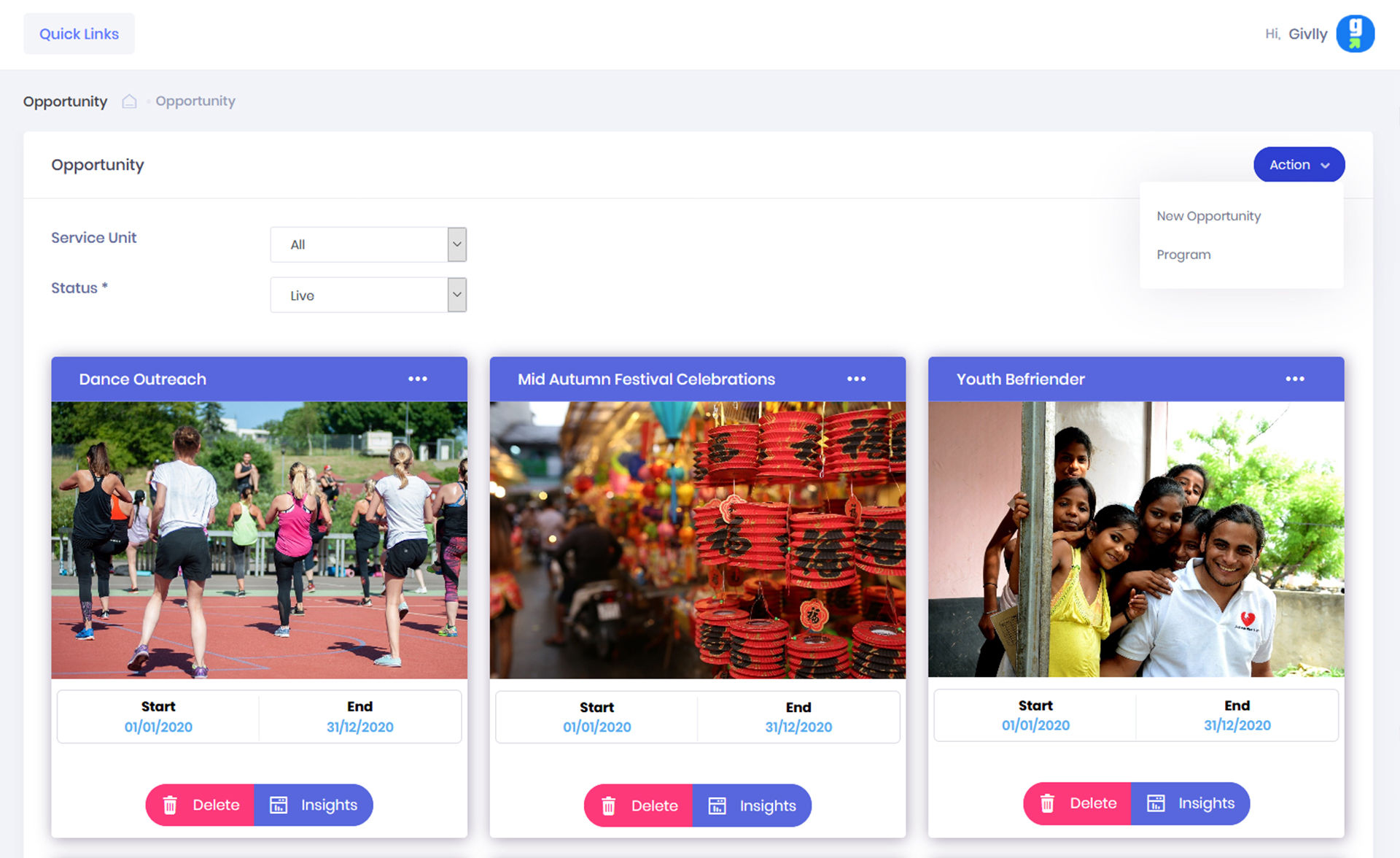
- The Opportunity Dashboard will give you an overview of the volunteering events information.
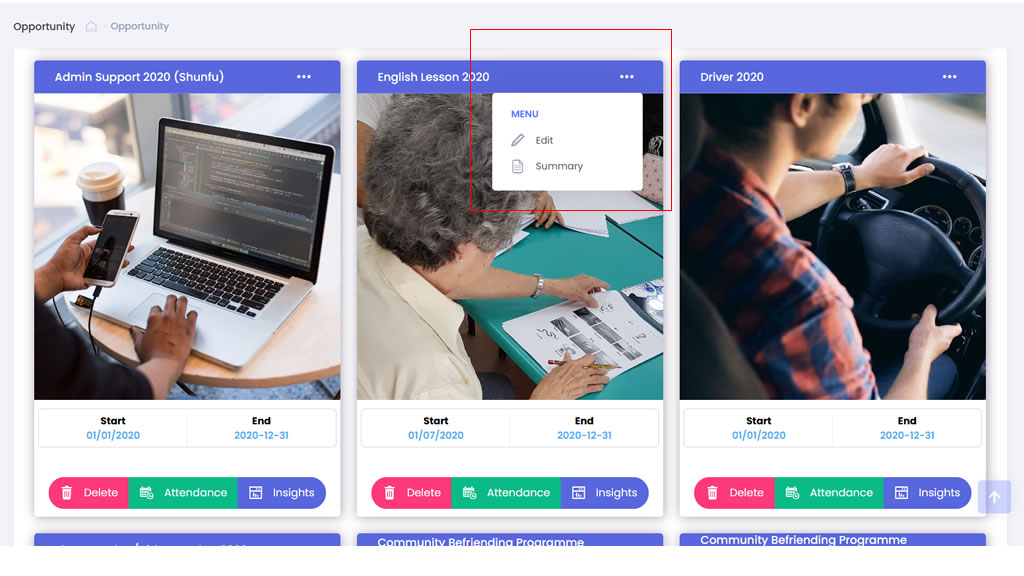
- In your Opportunity Dashboard, locate the opportunity that you wish to amend. Click onto . . . and select Edit.
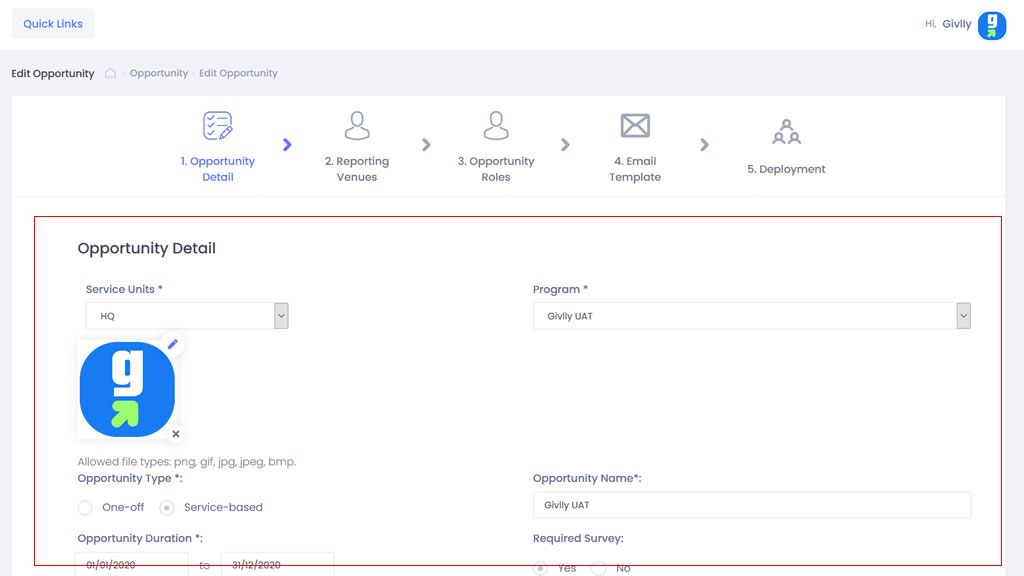
- Next, you can proceed to amend the opportunity details and click Next.
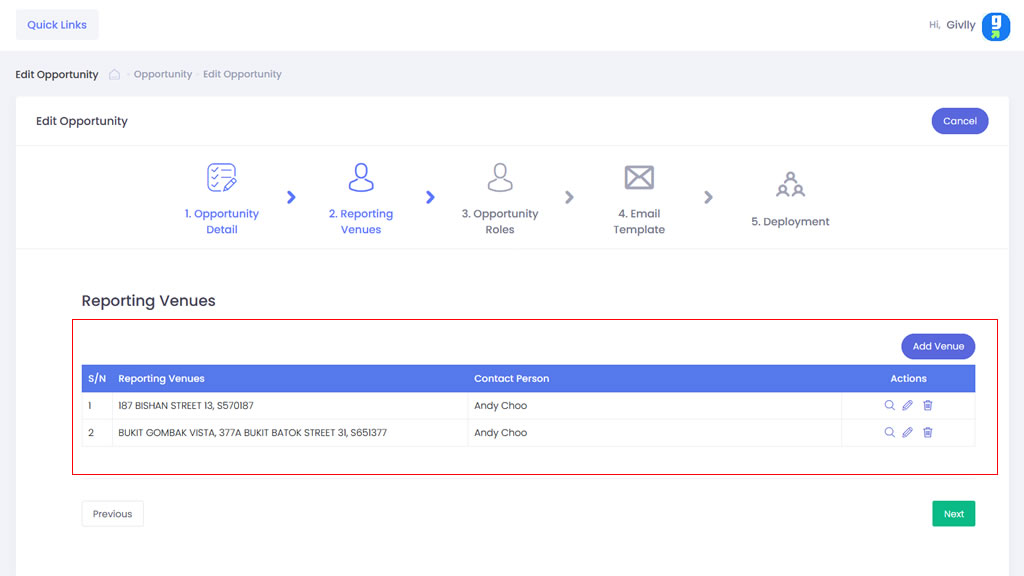
- Next, you can proceed to amend the Venue details and click Next.
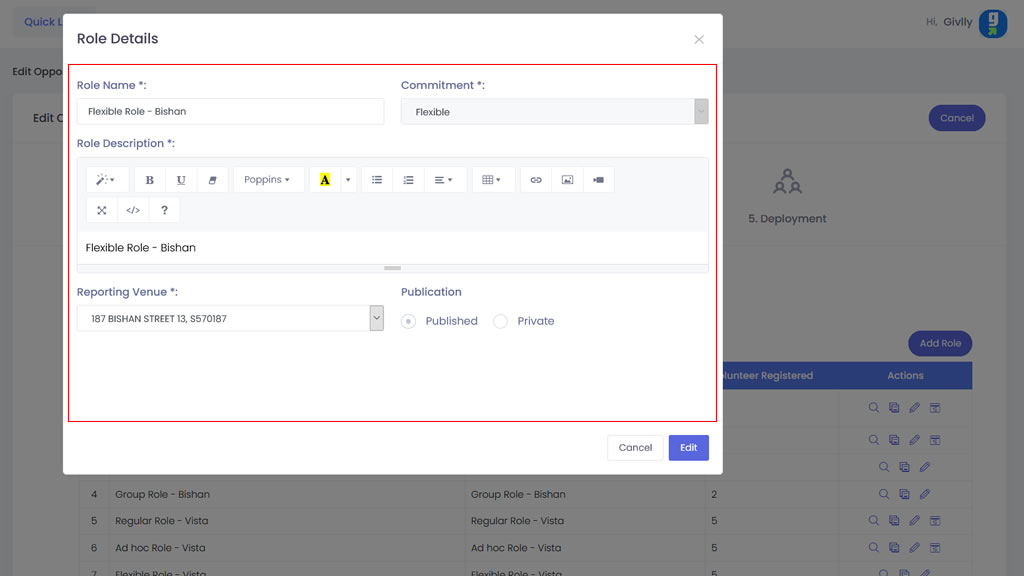
- Next, you can proceed to amend the Role details and click Next.
P.S: When amending role details, you will not be able to amend the role dates and time if volunteers had registered for the role.
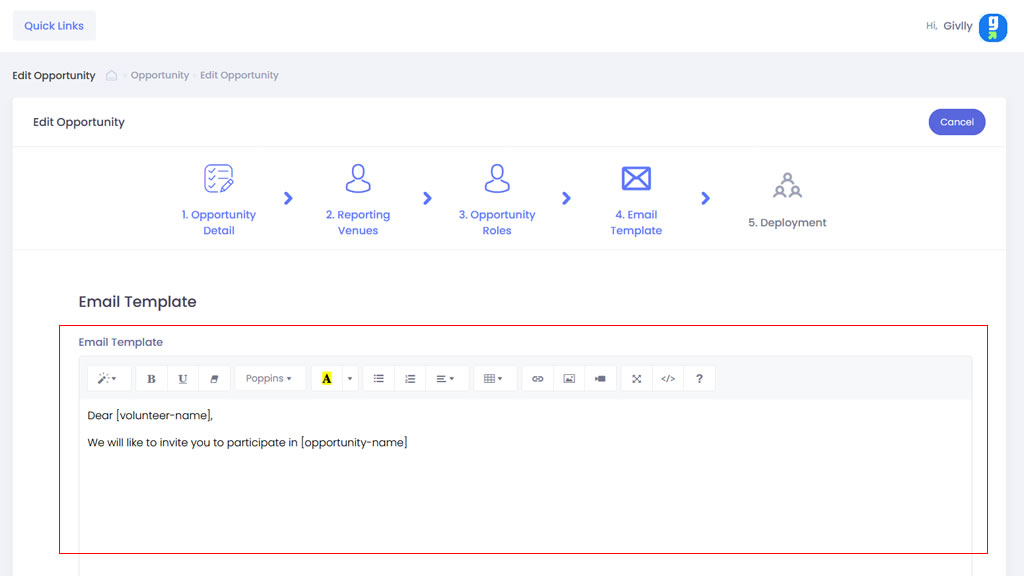
- Next, you can proceed to amend the RSVP template if required and click Next.
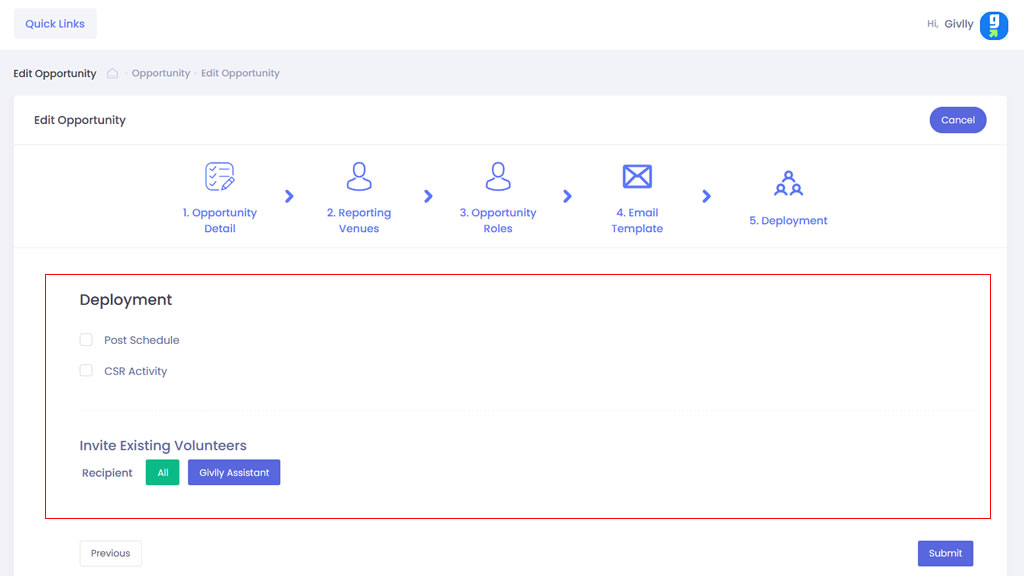
- Next, you can choose to re-send the opportunity invitation email click Submit