

Removing Volunteer Group
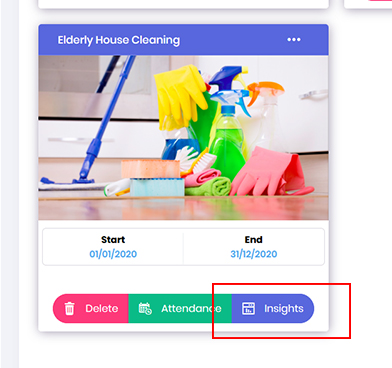
- In an event, if you need to create groupings for your group role. Go to Opportunity dashboard, locate the required project and click onto Insights button.
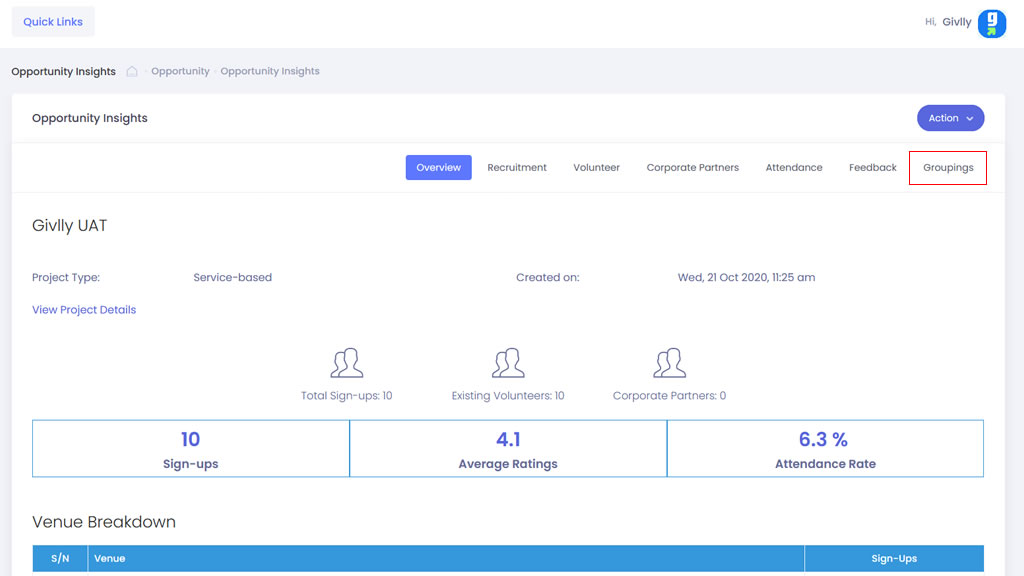
- In the Opportunity Insight dashboard click onto the Groupings tab
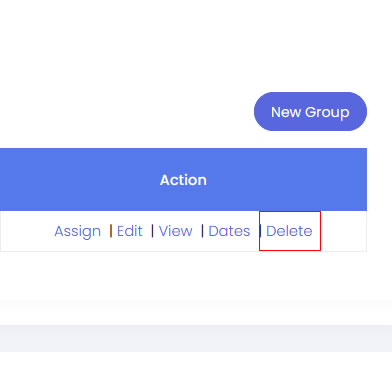
- Go to the Setting Tools and click onto Delete button to remove the assigned group.
P.S: This option will only be available if you have not assigned volunteers to the group