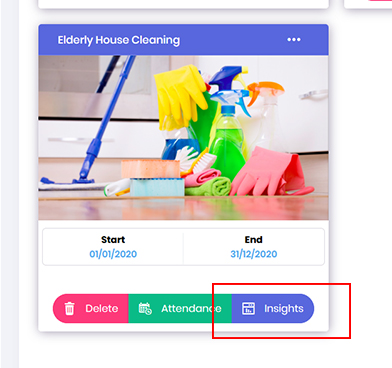
- In an event, if you need to amend opportunity role dates/time from the system. Go to Opportunity dashboard, locate the required project and click onto Insights button.
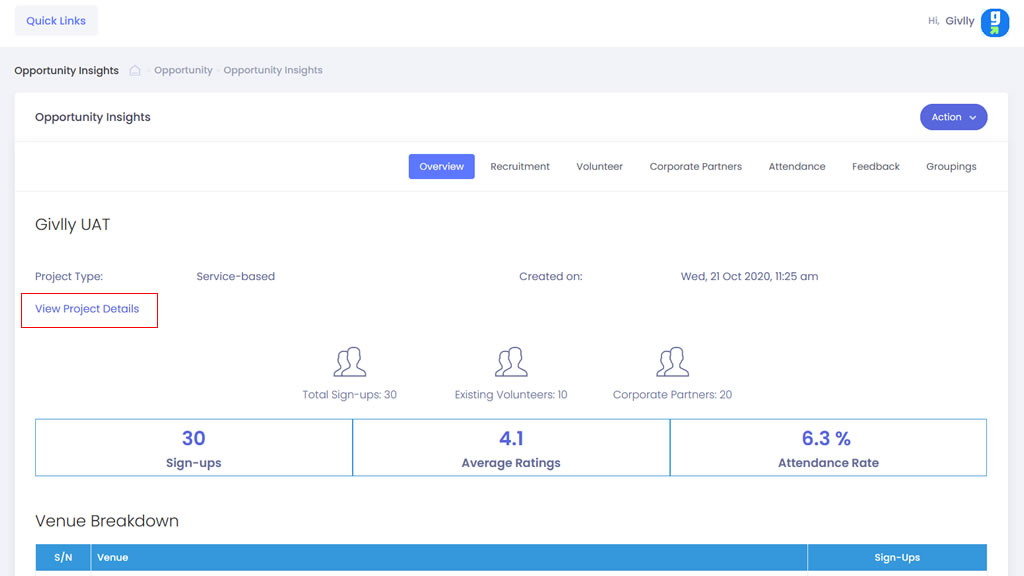
- In the Opportunity Insight dashboard click onto the View Project Details button
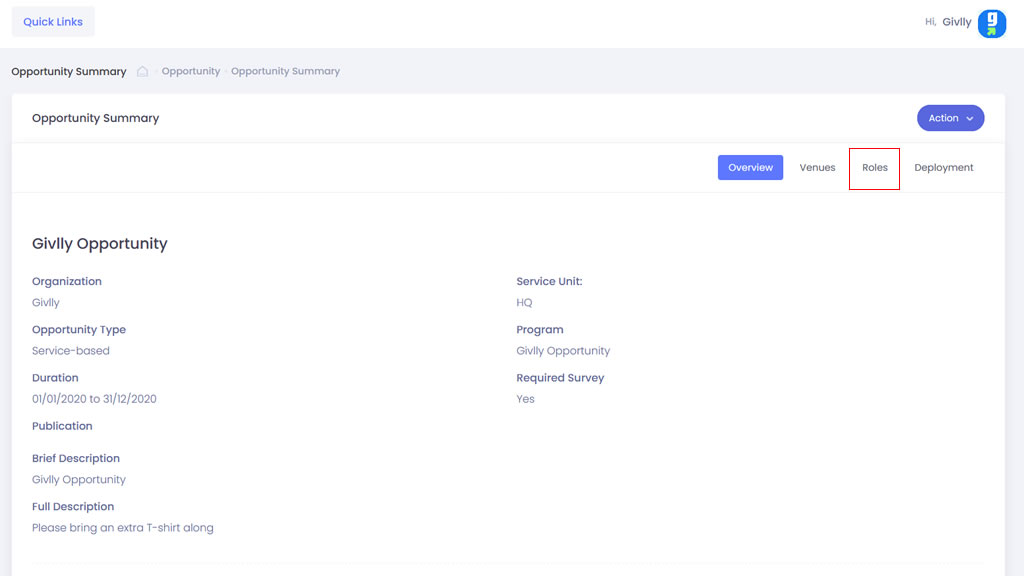
- In the Project Details dashboard click onto the Role tab
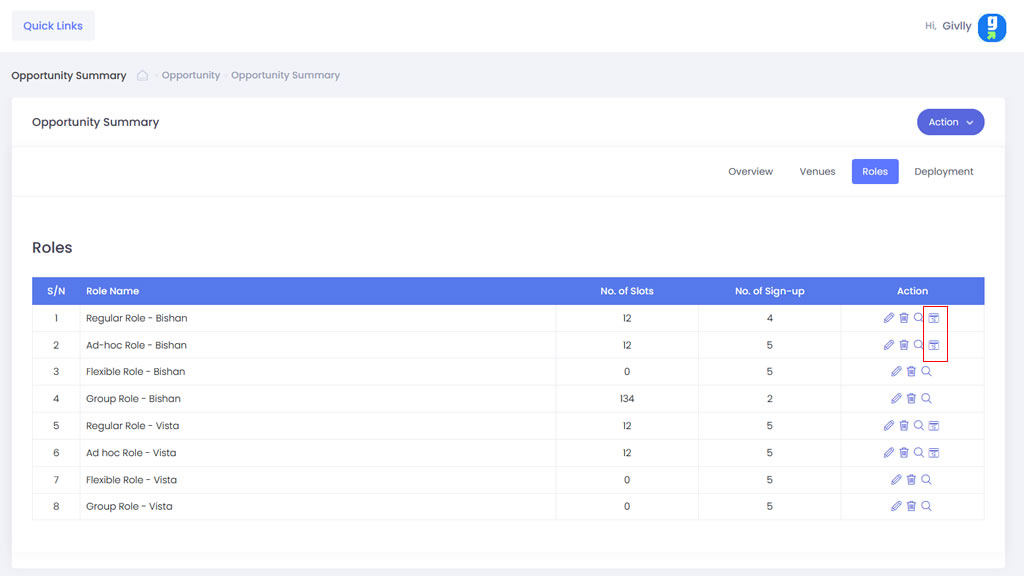
- Locate the role you wish to amend the date or time and click onto Amend Date icon in the Setting tools.
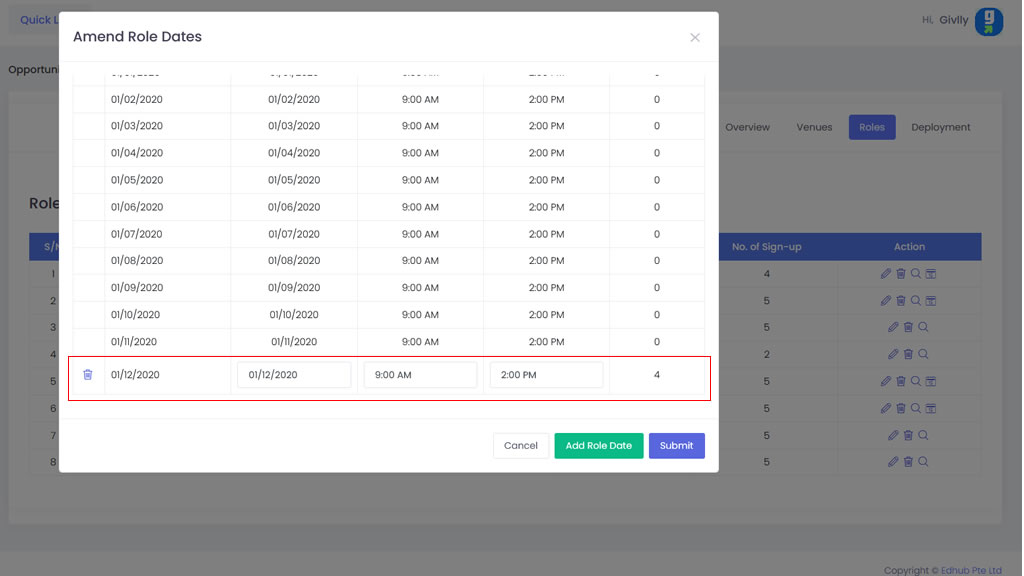
- Locate and amend the date details.
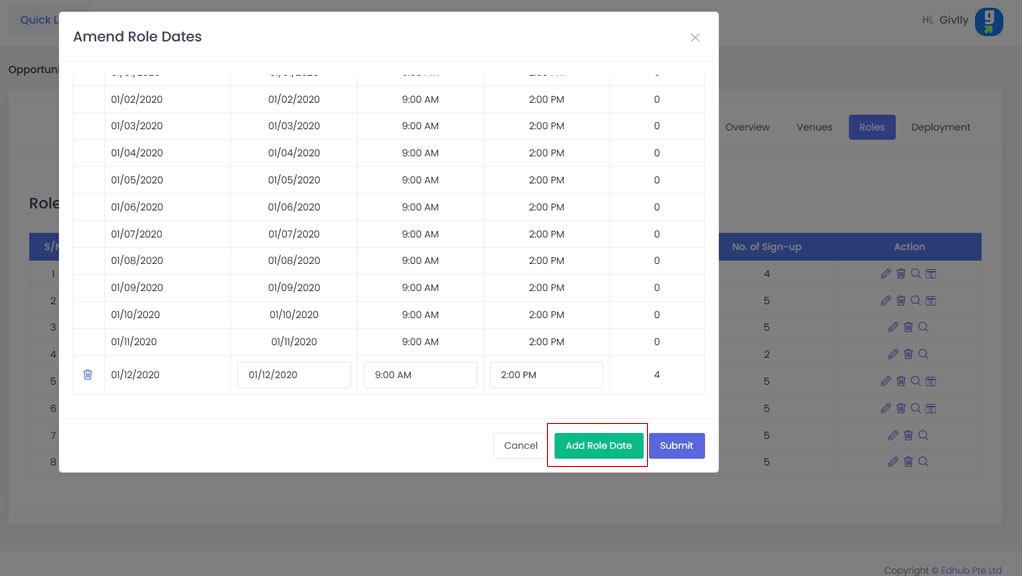
- If you wish to add new dates, click onto Add Role Date button and input the details
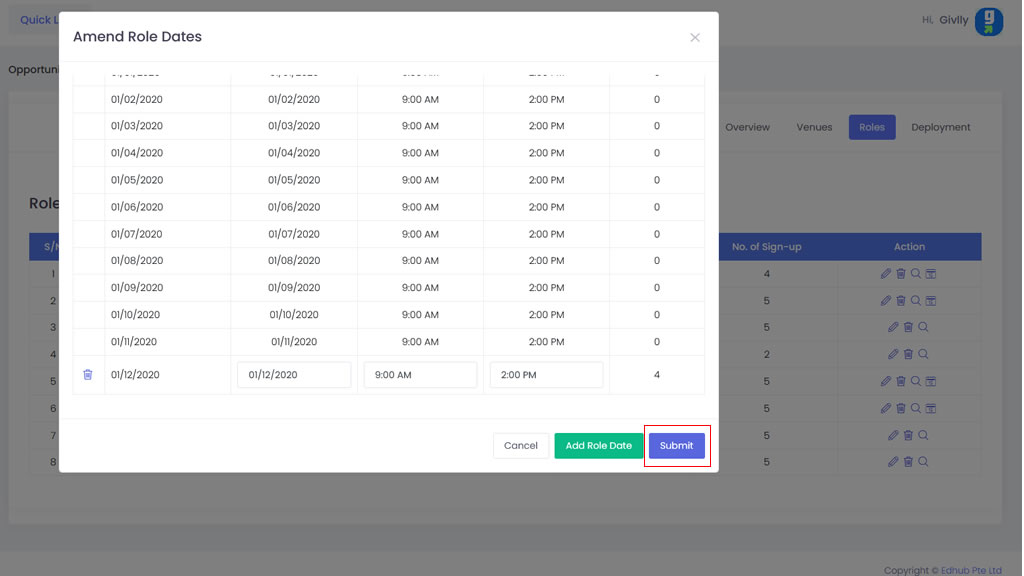
- Click onto the Submit button when you are done.