

View Recruitment Details
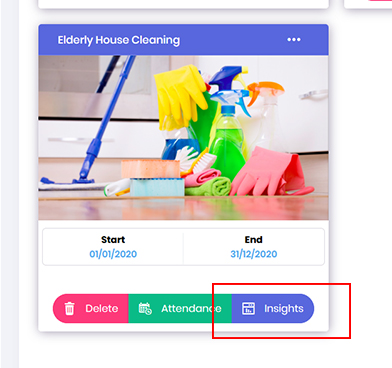
- In an event, if you need to view volunteer recruitment statistics. Go to Opportunity dashboard, locate the required project and click onto Insights button.
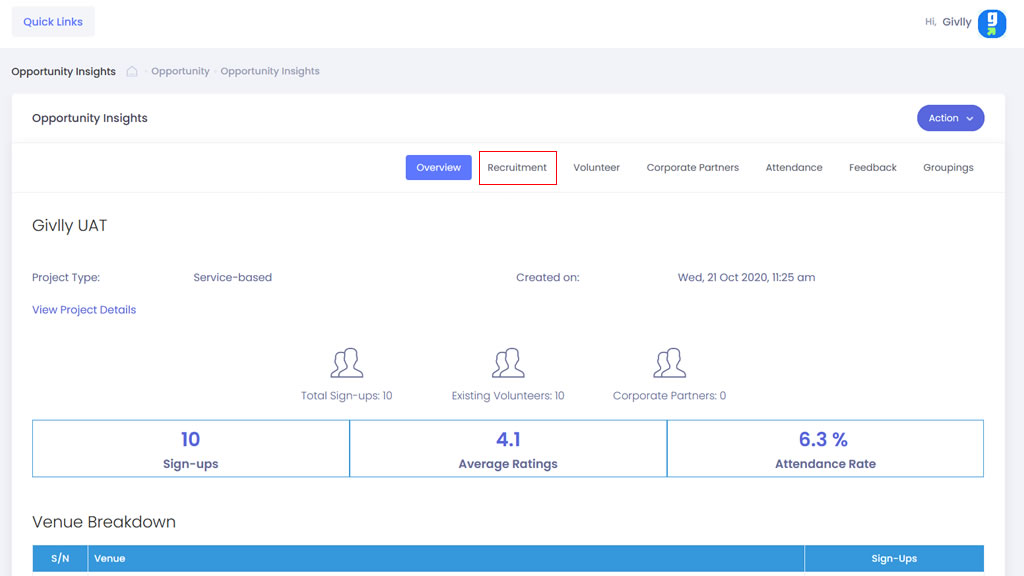
- In the Opportunity Insight dashboard click onto the Recruitment tab
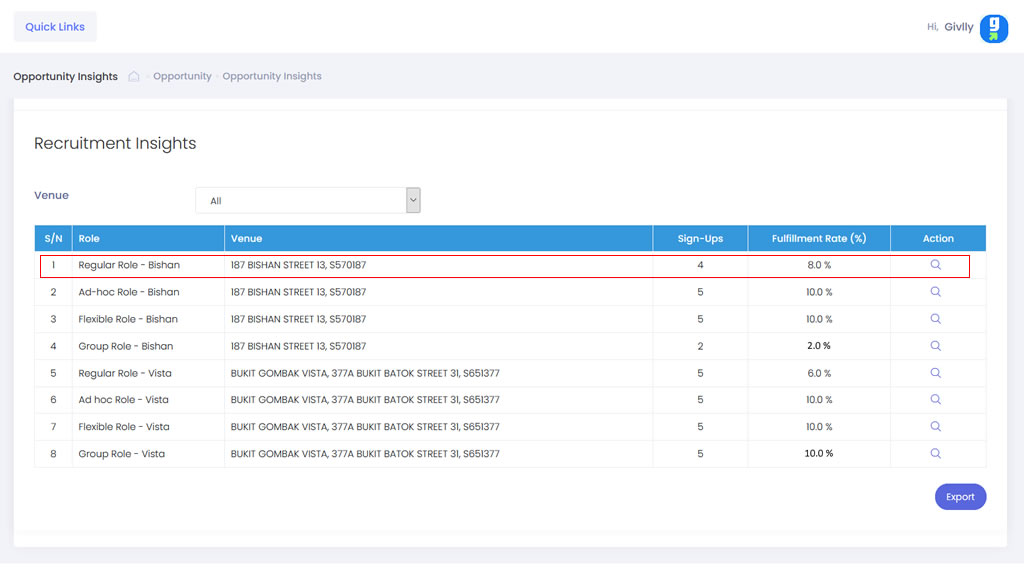
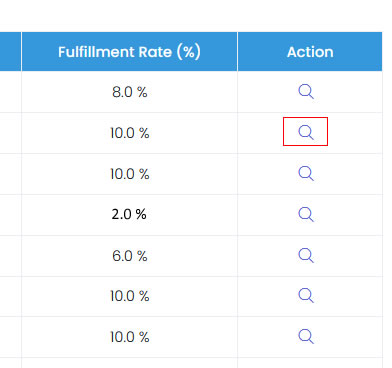
- Locate the role you wish to track and click onto View icon in the Setting tools.
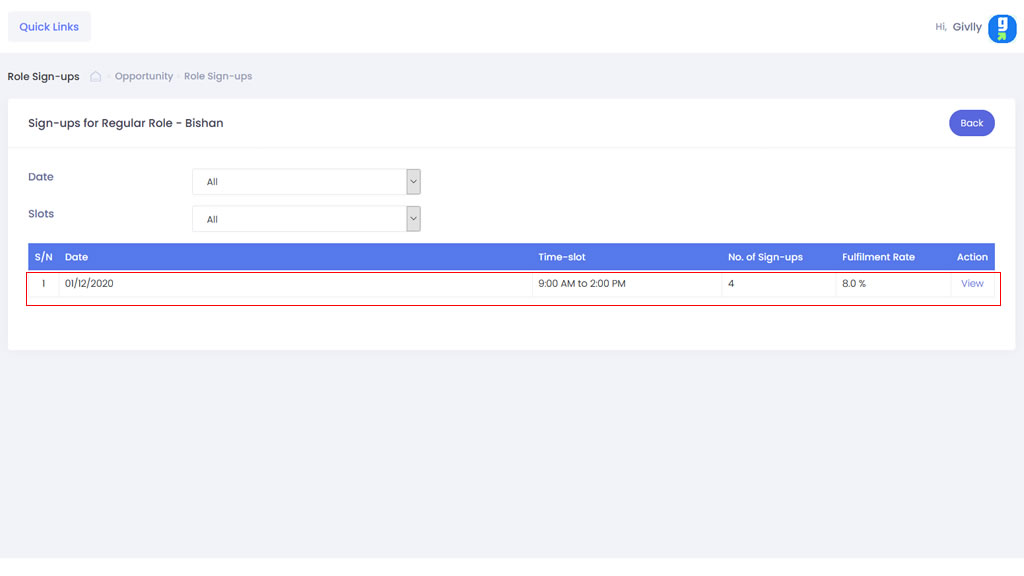
- Then select the time-slot you wish to track and click View to view the registration details