Mass upload Volunteers Attendance
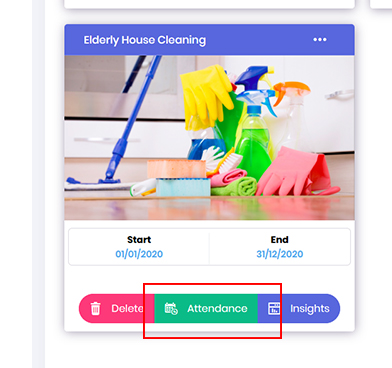
- You can input the attendance of the volunteers for tracking. From the Opportunity dashboard, locate the required project and click on the Attendance button.
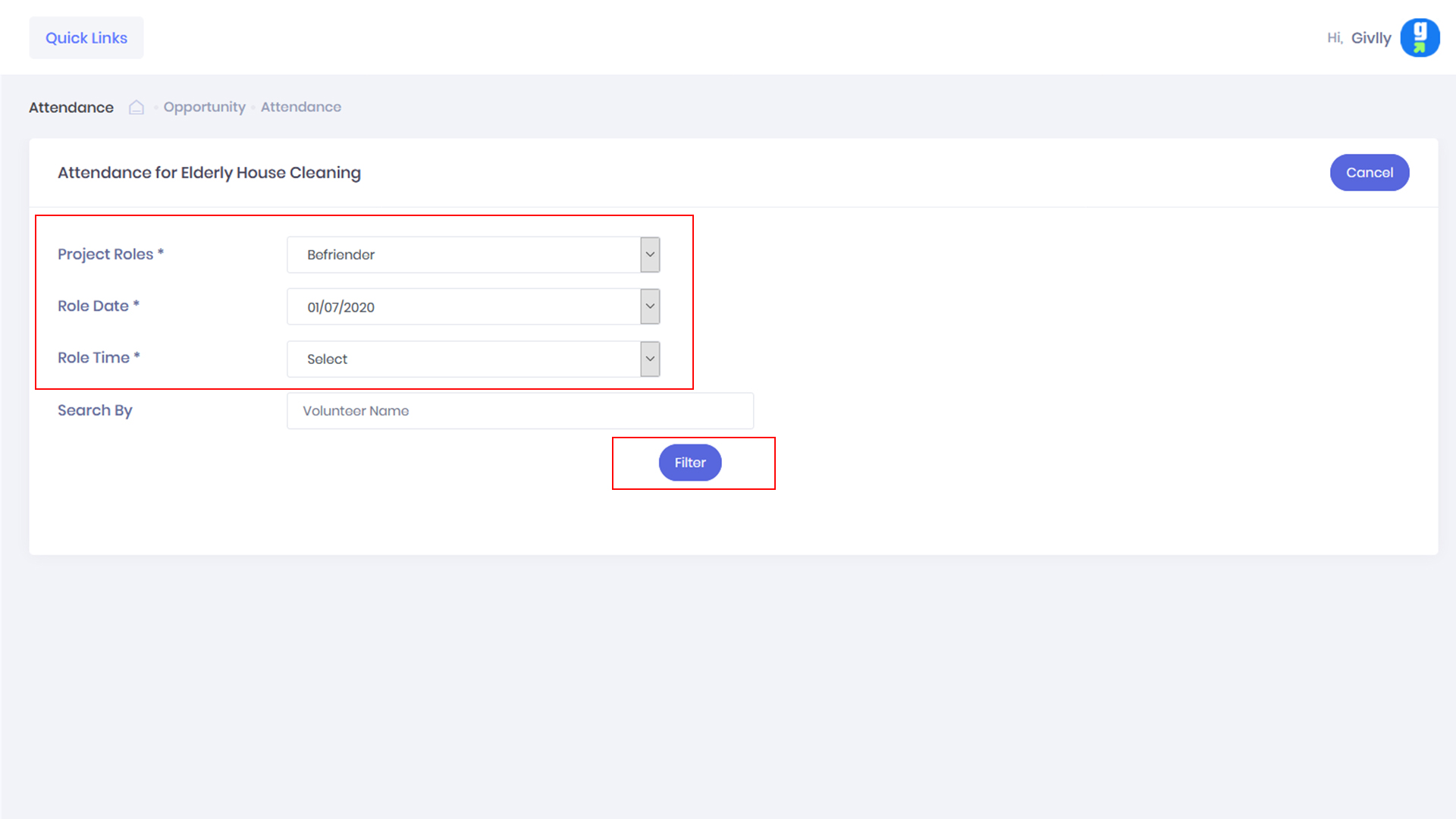
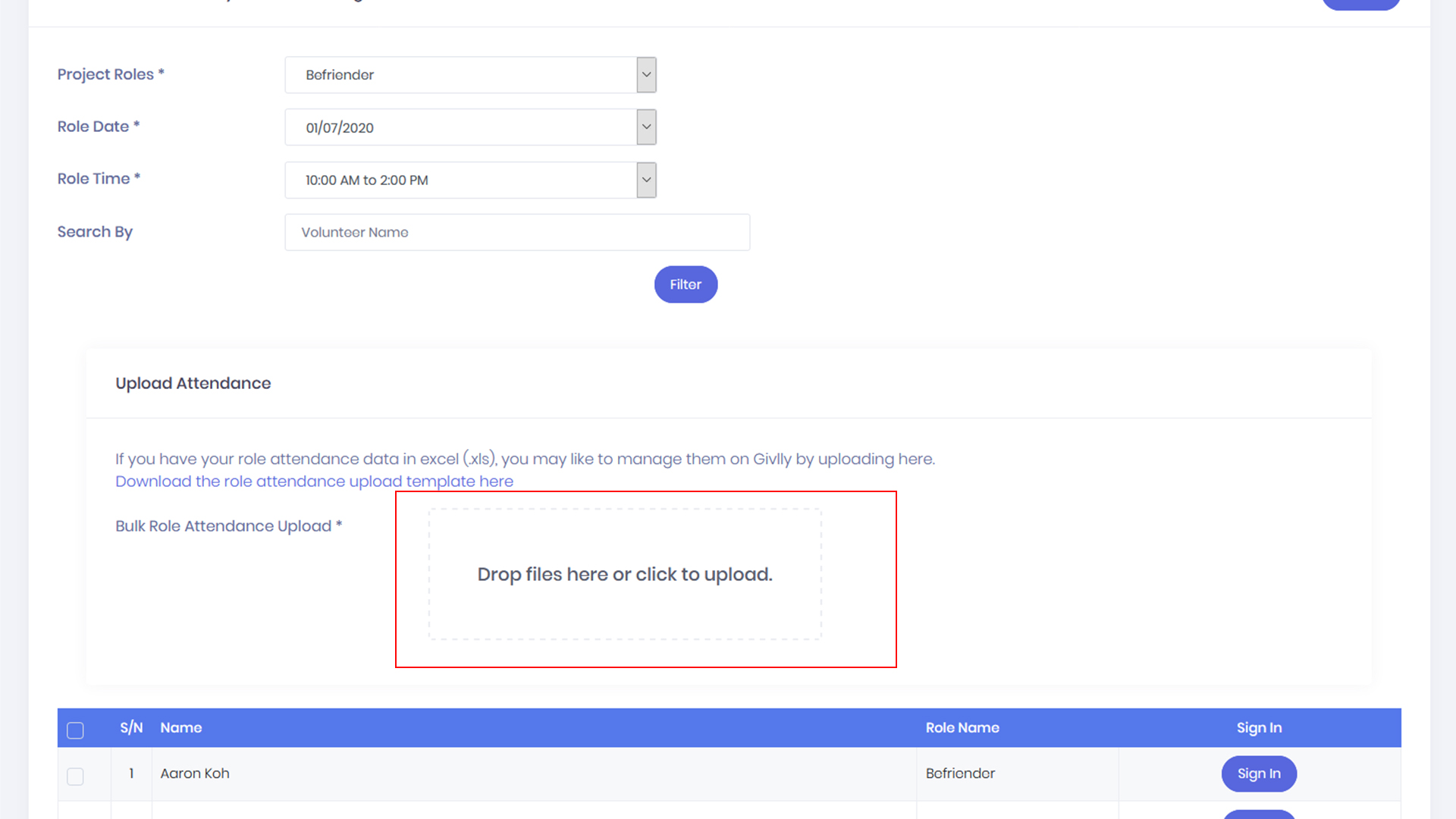
- On the Attendance dashboard, first, select the required role, then select date and time and next click the Filter button.
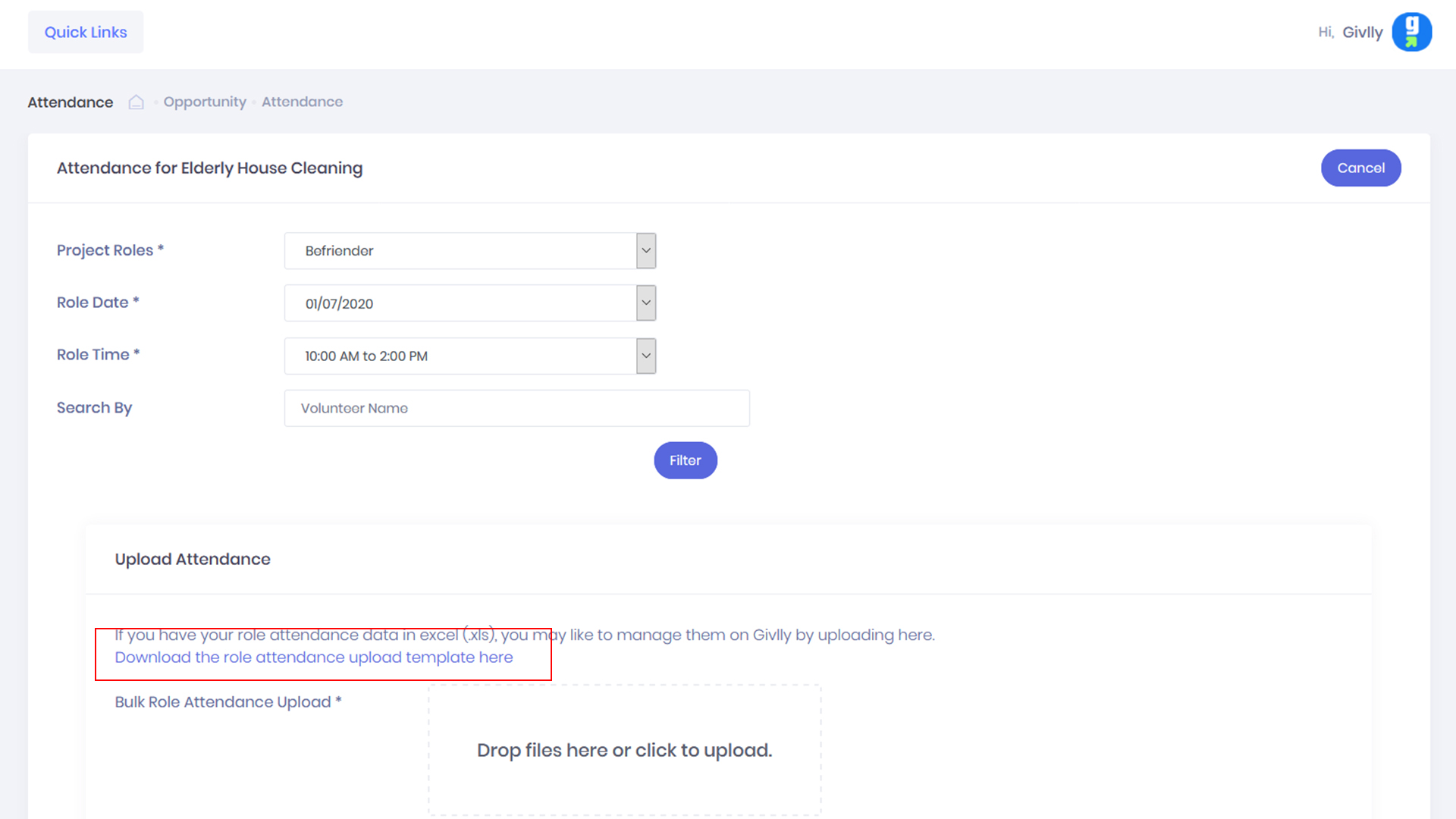
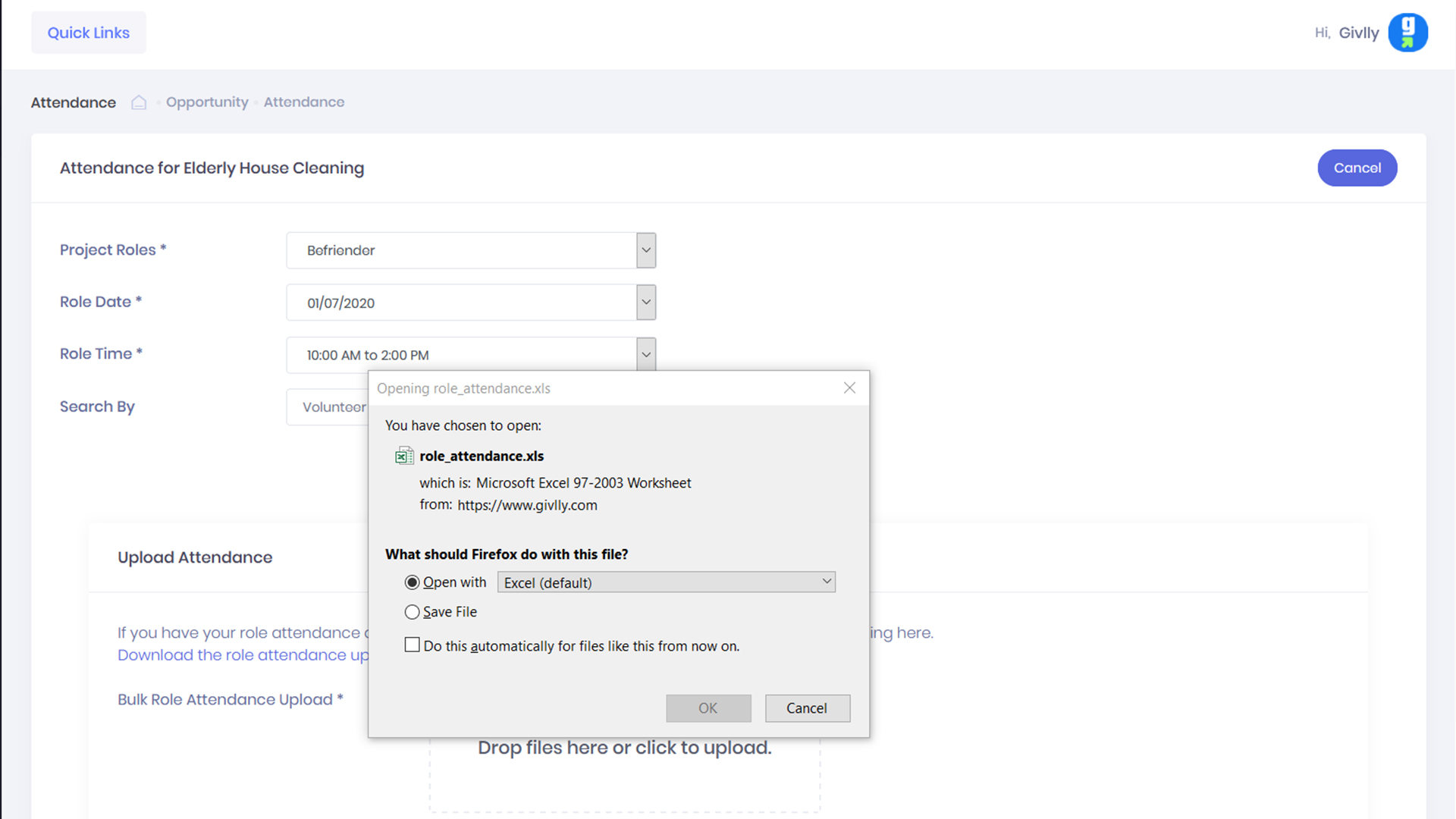
- The dashboard will display a link to download the excel template. Download the excel template and enters the volunteers’ attendance details.
- After you have enters all attendance in the excel attendance template. Next, upload the excel attendance file and click submit to complete.