Adding New Volunteer Account
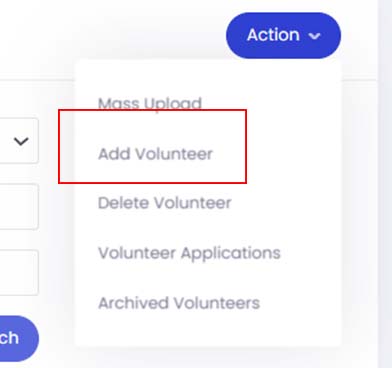
- To add a new volunteer, go to the volunteer module and click onto Action button and select Add Volunteer.
- First set up the volunteer’s personal information. Enter the information in their respective field and click the Next button when you are done.
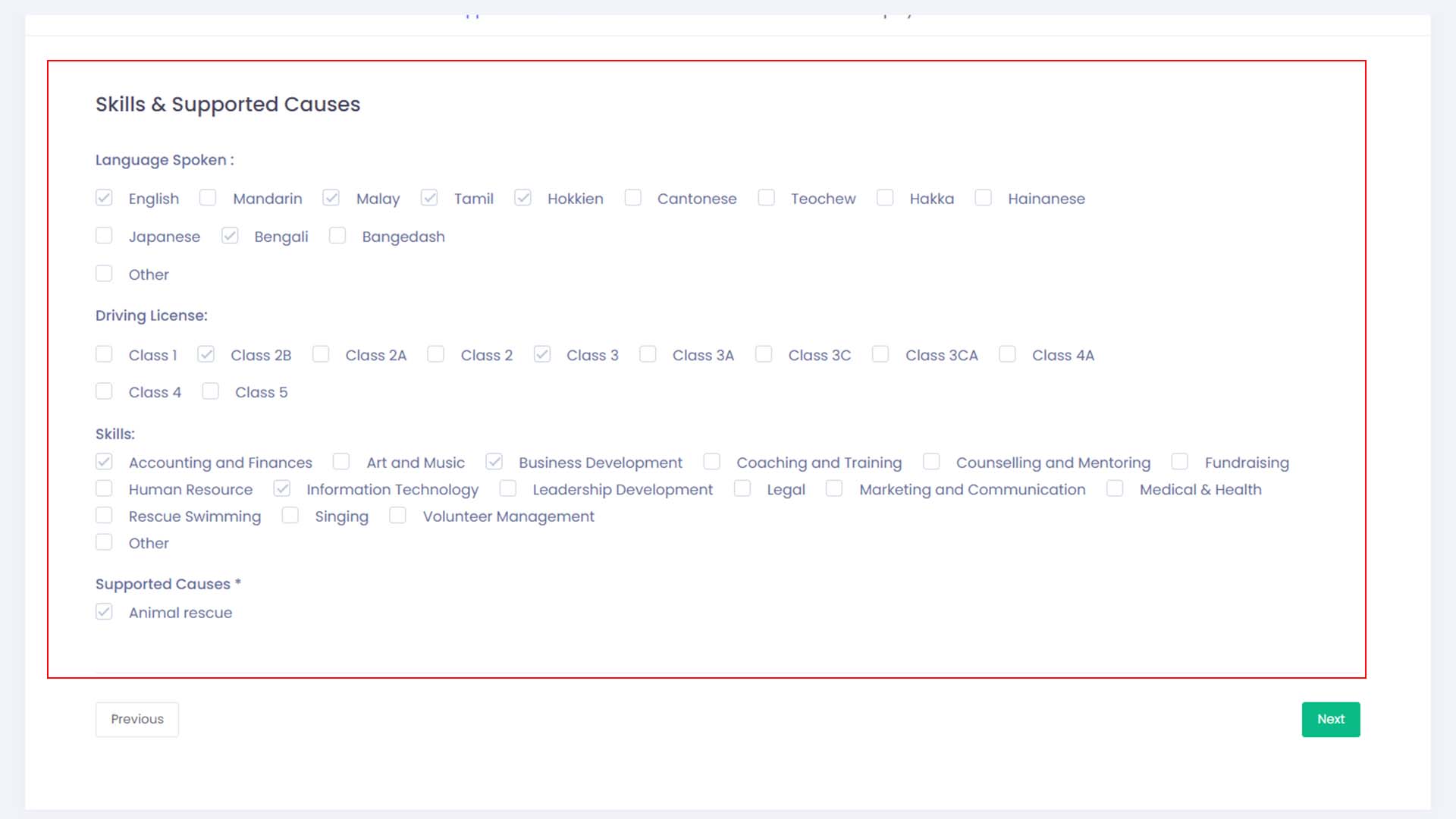
- Next is to set up the volunteer’s personal skillsets. Just click on the checkboxes beside the skills which your volunteer has. And once that is done, click on the Next button.
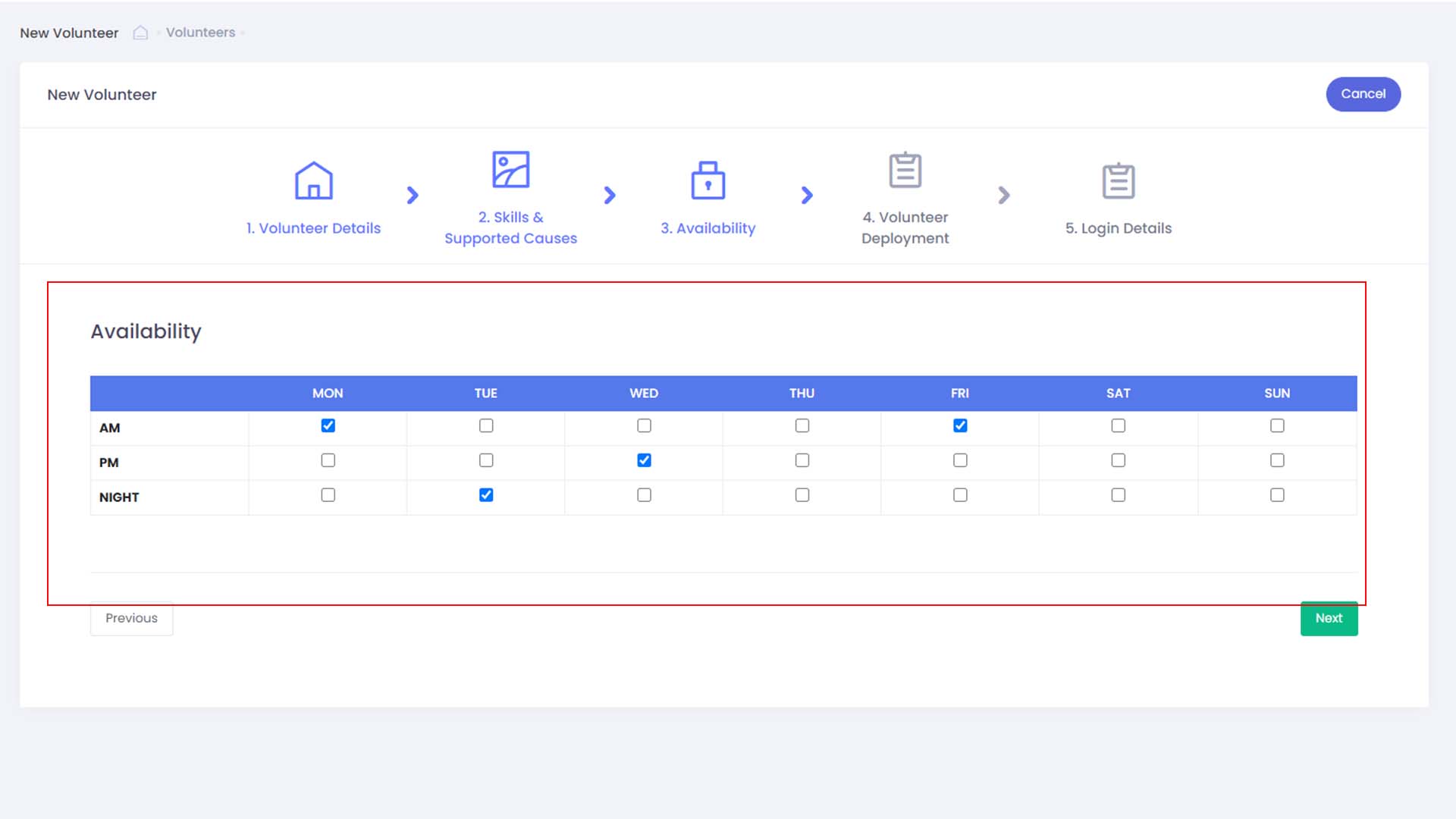
- Select volunteer availability based on the schedule provided by the volunteer him/herself and click the Next button when done.
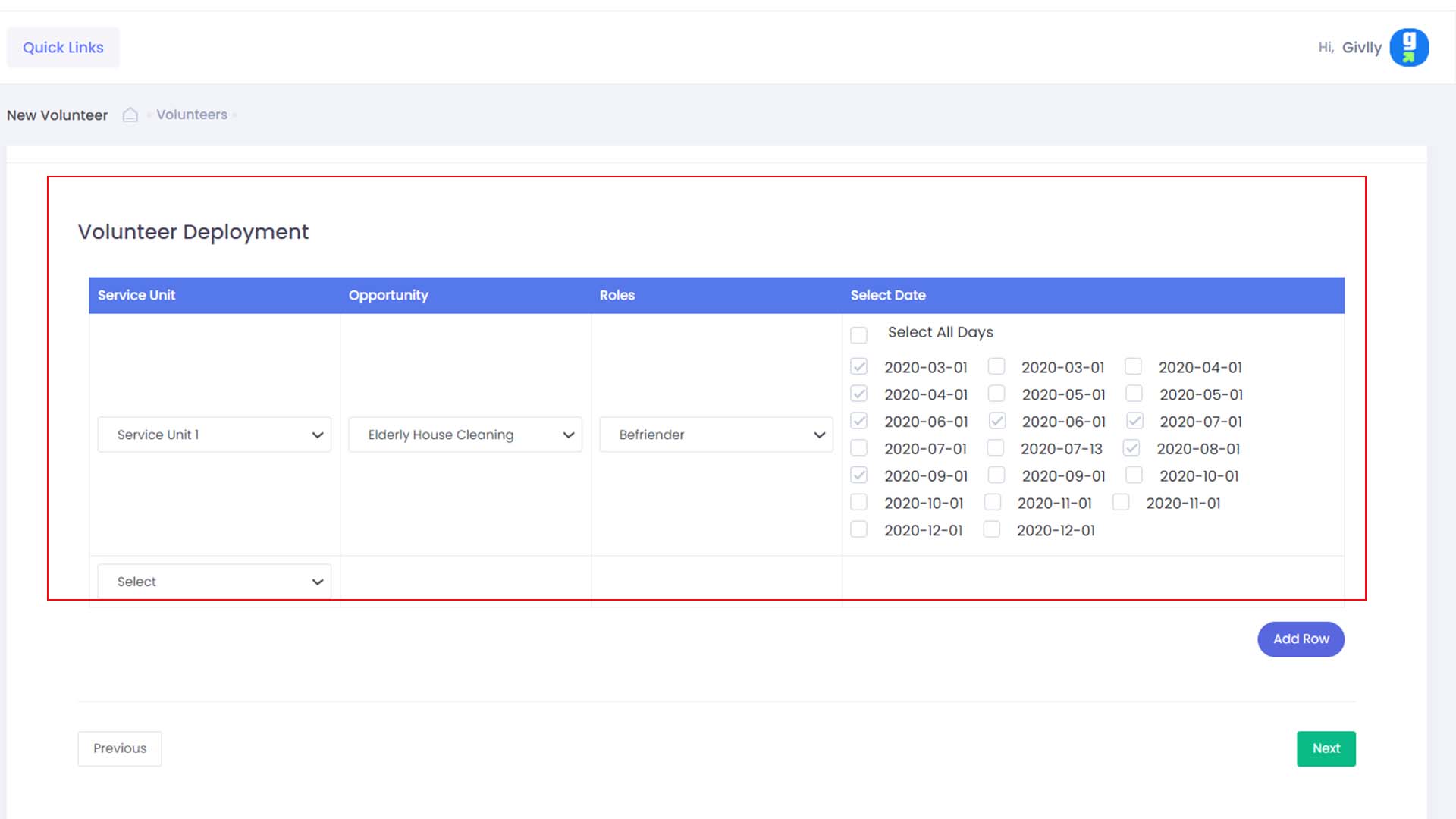
- Select the list of current volunteer opportunity to deploy the volunteer to if required and click the Next button.
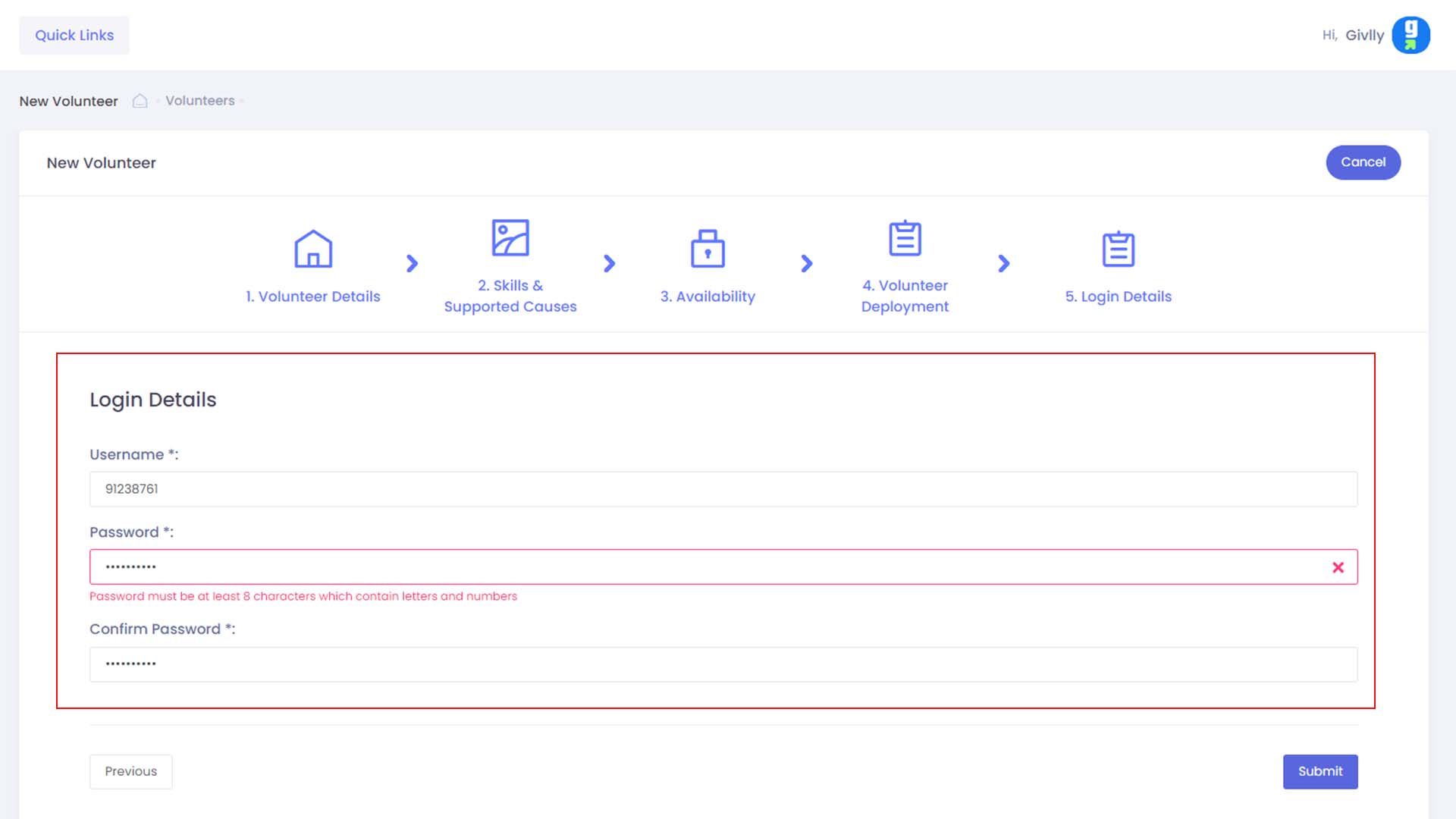
- Enter the password for the volunteer and click the Submit button to finish creating the new volunteer account