

Introduction to Communication Module
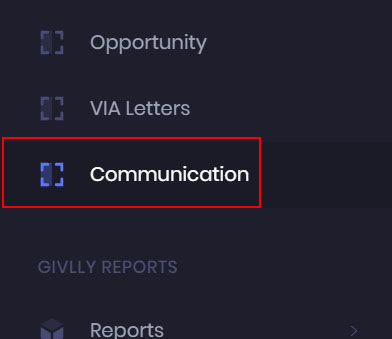
- Click on the Communication Module to send scheduled and automated emails to your volunteers.
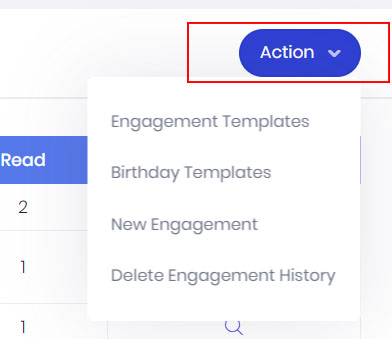
- In your Communication dashboard, click on the Action button to create and send personalised emails to your volunteers, and use the built-EDMS to keep them up-to-date on exciting news and projects.

- In the Communication dashboard, you will see all the emails and EDMs that have been sent or scheduled to be sent to your volunteers.