Getting to Know Givlly VMS
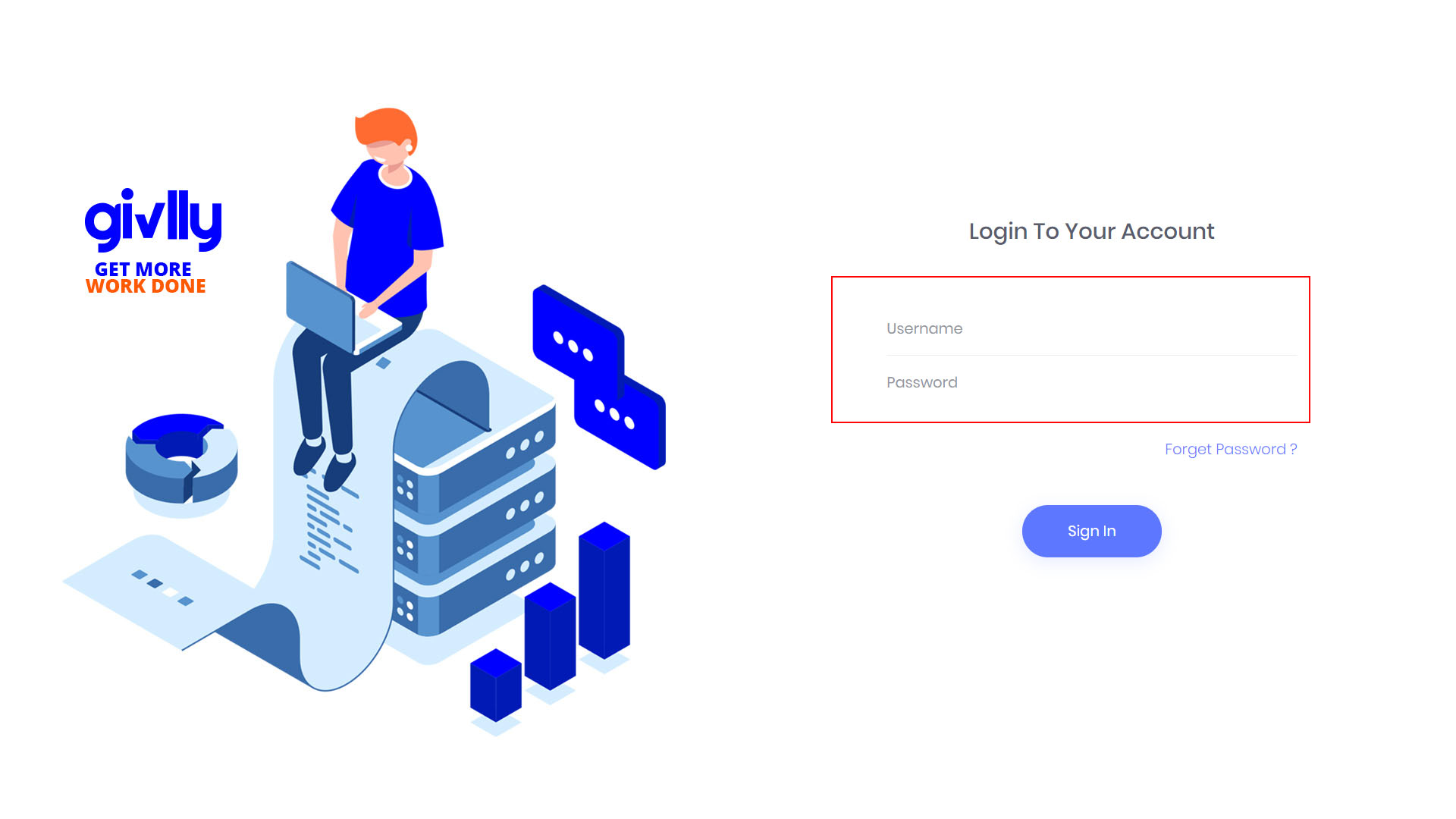
- Go to your Givlly admin dashboard and enter your username and password to login.
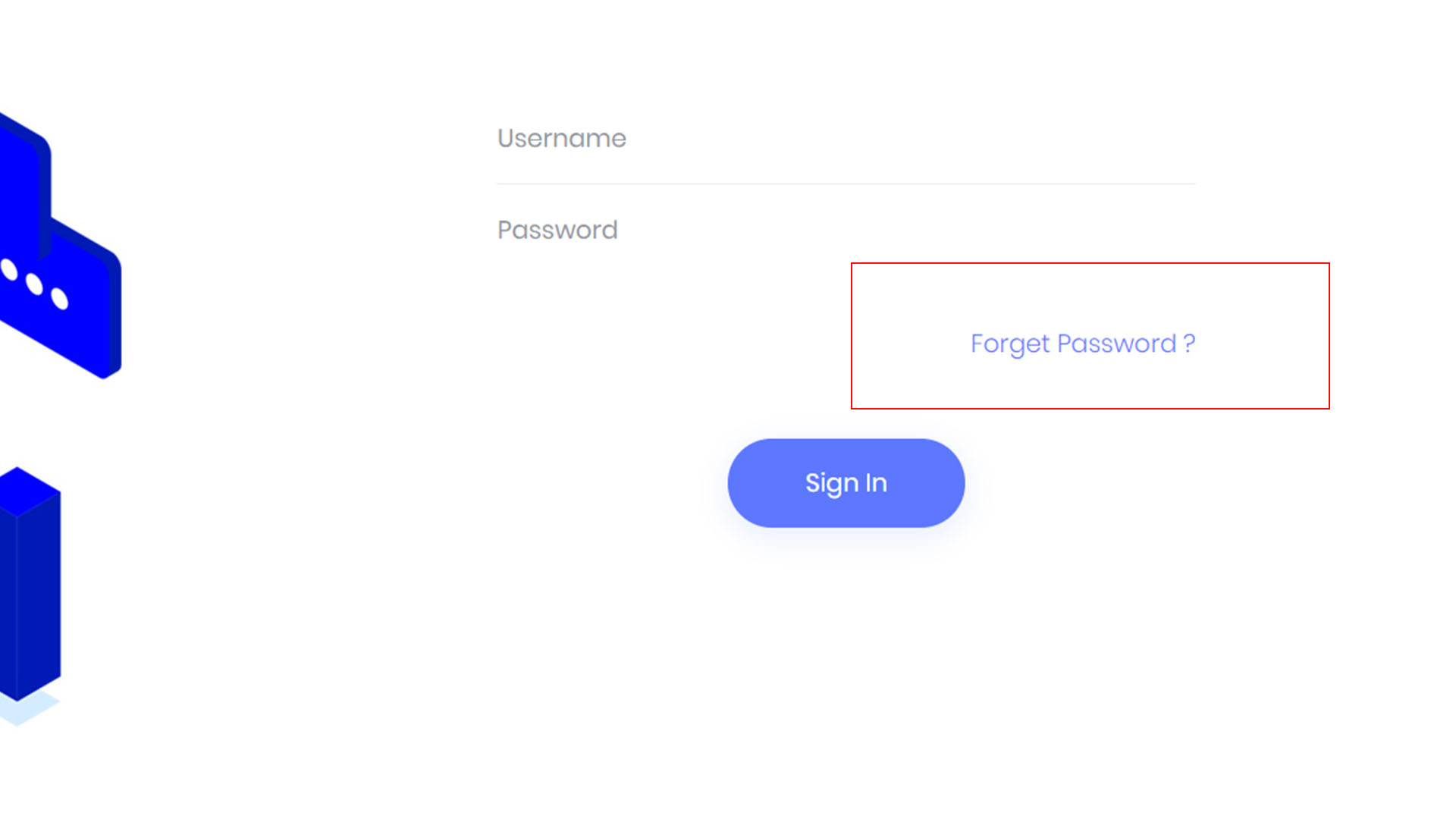
- To reset your password, go to Forget Password.
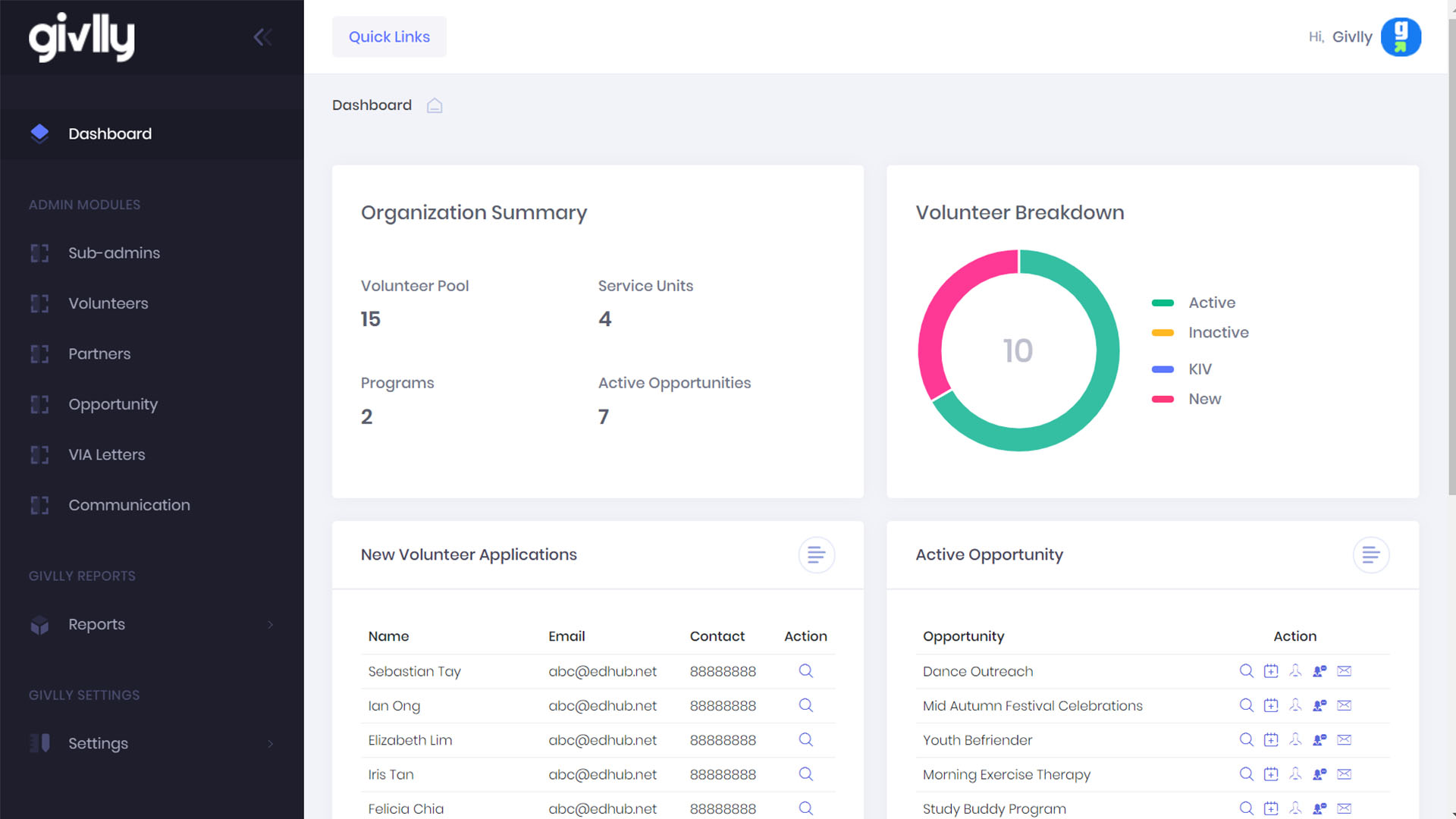
- After you have log in, you will be brought to your admin dashboard where you can have a quick overview of your organisation’s activities.
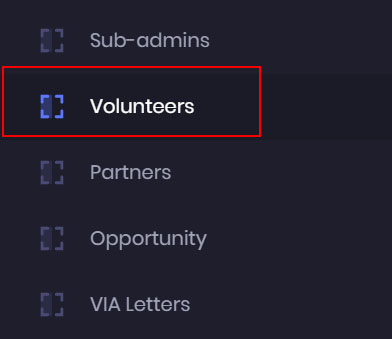
- The Volunteer Module is where you manage all your volunteer resources. From signup to scheduling, all can be done with just a few clicks of your mouse.
- The Partners Module is where you create and manage the profiles of the corporate partners in your database.
- The Opportunity Module is where you create and manage the projects for your volunteers.
- The Communication Module combines automation and customisation to help you create simple and effective email campaigns.
- The Reporting Module gives you access to a set of pre-defined reports, which give you immediate insight into how your projects and organisation are performing.