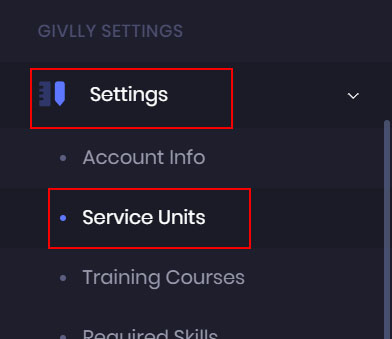
- The first thing you want to do is to set up the services that your organisation is offering. To add the services, go to the left-hand side of your Givlly Dashboard and click on Settings and select Service Units.
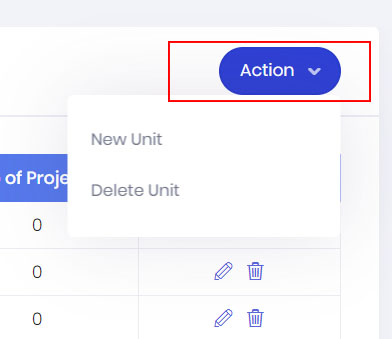
- In your Service Unit Dashboard, click on the Action Button and select New Unit
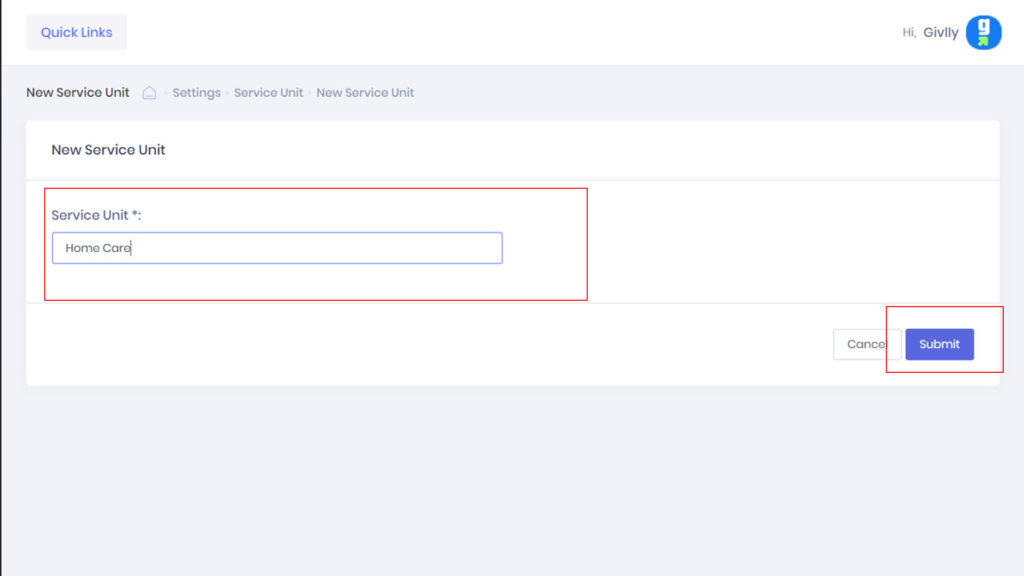
- Next, enter the name of the services that your organisation is offering and click on the Submit Button.
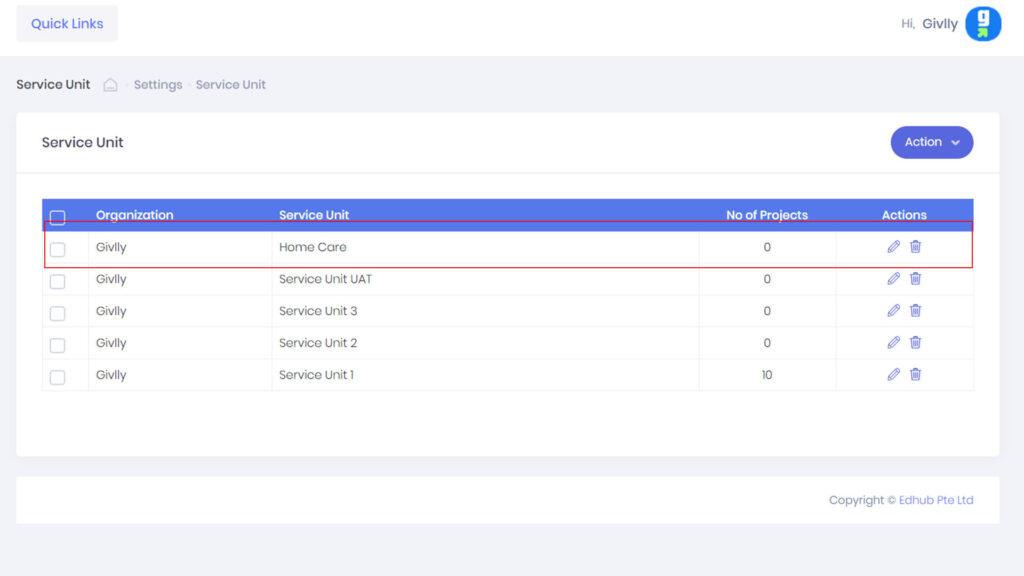
- Your services will be listed in the Service Unit Dashboard. To add more services, just repeat the same steps as above.
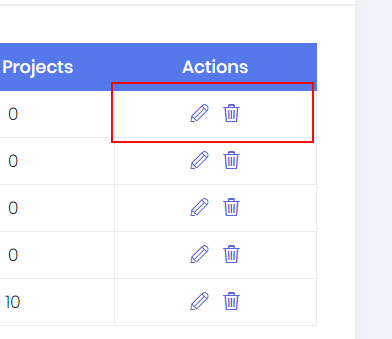
- If you need to edit or delete a Service. Go to the Setting Tools.